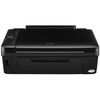
Epson Stylus SX218 Ink Cartridges
The following 16 products are guaranteed to work in your Epson Stylus SX218 printer:
16 products are guaranteed to work in your printer:
Switch & Save
Save up to 50% with Cartridge Save own-brand
Guaranteed to be like-for-like alternatives to the originals. Learn more
Sets of ink cartridges for Epson Stylus SX218 printer:
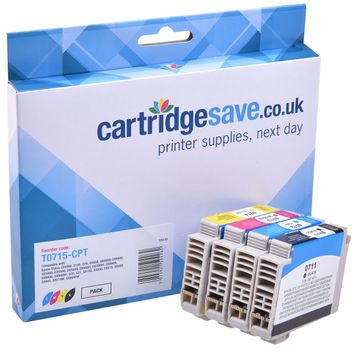
Compatible Epson T0715 Multipack 4-Colour Printer Cartridge (Cheetah)


- Contains T0711, T0712, T0713, T0714
- Premium brand ink cartridges
Pack of 4 cartridges 4 pack |
1.5p per page
(4 pack)
- 250
- 495
- 280
- 480
- Contains T0711, T0712, T0713, T0714
- Contains T0711, T0712, T0713, T0714
FREE next-day delivery
- Buy more, save money
- 2 £24.35 inc VAT
- 3+ £23.05 inc VAT
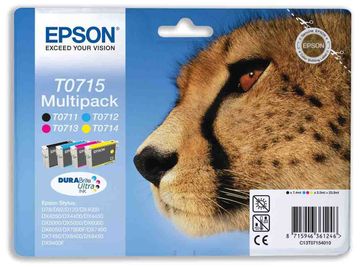
Epson T0715 4-Colour Ink Cartridges Multipack - (Cheetah)
- Contains T0711, T0712, T0713, T0714
- Lowest online price guarantee
Pack of 4 cartridges 4 pack |
2.8p per page
(4 pack)
- 250
- 495
- 280
- 480
- Contains T0711, T0712, T0713, T0714
- Lowest online price guarantee
- Contains T0711, T0712, T0713, T0714
- Lowest online price guarantee
FREE next-day delivery
- Buy more, save money
- 2 £47.65 inc VAT
- 3+ £46.84 inc VAT
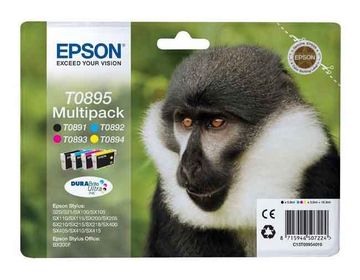
Epson T0895 4 Colour Ink Cartridge Multipack - (Monkey)
- Contains T0891, T0892, T0893, T0894
- Lowest online price guarantee
Pack of 4 cartridges 4 pack |
3.7p per page
(4 pack)
- 180
- 185
- 135
- 200
- Contains T0891, T0892, T0893, T0894
- Lowest online price guarantee
- Contains T0891, T0892, T0893, T0894
- Lowest online price guarantee
FREE next-day delivery
- Buy more, save money
- 2 £28.70 inc VAT
- 3+ £27.82 inc VAT
Black ink cartridges for Epson Stylus SX218 printer:
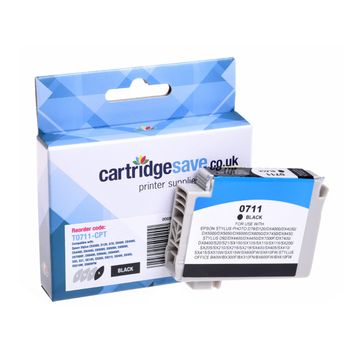
Compatible Epson T0711 Black Printer Cartridge - (Cheetah)
- Premium brand ink cartridge
Pack of 1 cartridges 1 pack |
2.6p per page
(1 pack)
- 250
FREE next-day delivery
- Buy more, save money
- 2 £6.43 inc VAT
- 3+ £5.93 inc VAT
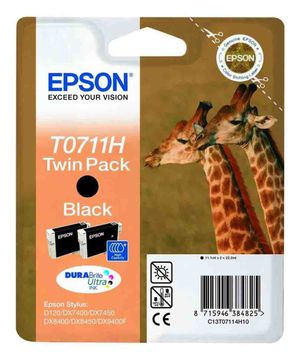
Epson T0711H Multipack High Capacity Black Ink Cartridge Twin Pack - (C13T07114H10 Giraffe)
- Contains T0711H (x 2)
- Lowest online price guarantee
Pack of 1 cartridges 1 pack |
3.0p per page
(1 pack)
- 385
- Contains T0711H (x 2)
- Lowest online price guarantee
- Contains T0711H (x 2)
- Lowest online price guarantee
FREE next-day delivery
- Buy more, save money
- 2 £25.18 inc VAT
- 3+ £24.37 inc VAT
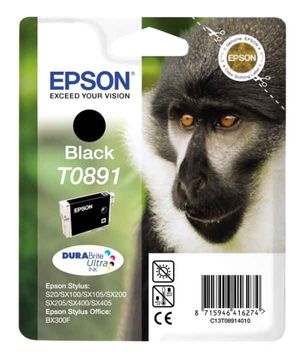
Pack of 1 cartridges 1 pack |
4.5p per page
(1 pack)
- 180
- Lowest online price guarantee
- Lowest online price guarantee
FREE next-day delivery
- Buy more, save money
- 2 £9.01 inc VAT
- 3+ £8.62 inc VAT
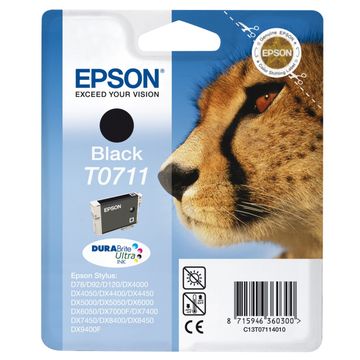
Pack of 1 cartridges 1 pack |
4.7p per page
(1 pack)
- 250
- Lowest online price guarantee
- Lowest online price guarantee
FREE next-day delivery
- Buy more, save money
- 2 £13.34 inc VAT
- 3+ £12.92 inc VAT
Cyan ink cartridges for Epson Stylus SX218 printer:
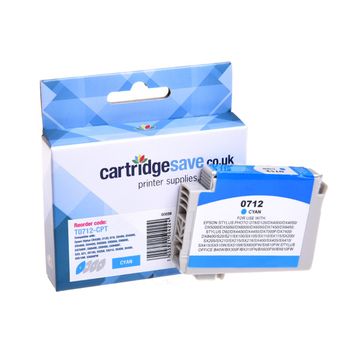
Pack of 1 cartridges 1 pack |
1.3p per page
(1 pack)
- 495
FREE next-day delivery
- Buy more, save money
- 2 £6.43 inc VAT
- 3+ £5.93 inc VAT
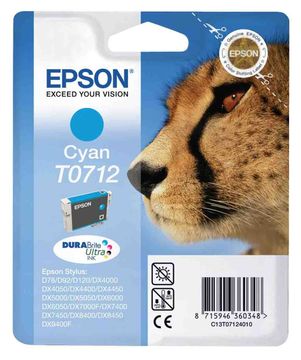
Pack of 1 cartridges 1 pack |
2.4p per page
(1 pack)
- 495
- Lowest online price guarantee
- Lowest online price guarantee
FREE next-day delivery
- Buy more, save money
- 2 £13.34 inc VAT
- 3+ £12.92 inc VAT
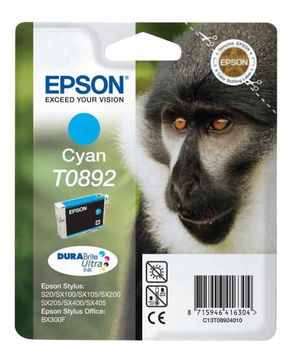
Pack of 1 cartridges 1 pack |
4.0p per page
(1 pack)
- 185
- Lowest online price guarantee
- Lowest online price guarantee
FREE next-day delivery
- Buy more, save money
- 2 £8.14 inc VAT
- 3+ £7.75 inc VAT
Magenta ink cartridges for Epson Stylus SX218 printer:
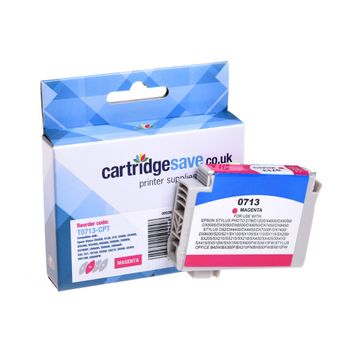
Compatible Epson T0713 Magenta Printer Cartridge - (Cheetah)
- Premium brand ink cartridge
Pack of 1 cartridges 1 pack |
2.3p per page
(1 pack)
- 280
FREE next-day delivery
- Buy more, save money
- 2 £6.44 inc VAT
- 3+ £5.94 inc VAT
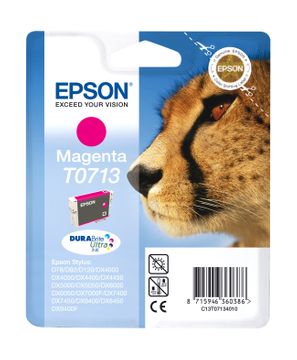
Pack of 1 cartridges 1 pack |
4.3p per page
(1 pack)
- 280
- Lowest online price guarantee
- Lowest online price guarantee
FREE next-day delivery
- Buy more, save money
- 2 £13.60 inc VAT
- 3+ £13.18 inc VAT
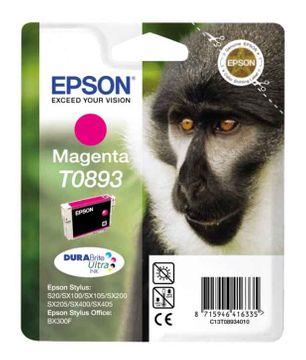
Pack of 1 cartridges 1 pack |
5.5p per page
(1 pack)
- 135
- Lowest online price guarantee
- Lowest online price guarantee
FREE next-day delivery
- Buy more, save money
- 2 £8.14 inc VAT
- 3+ £7.75 inc VAT
Yellow ink cartridges for Epson Stylus SX218 printer:
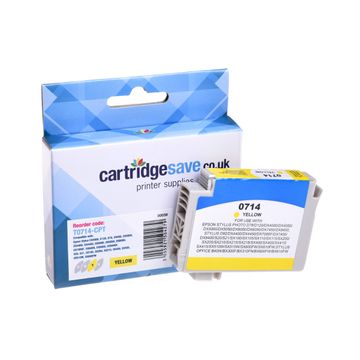
Compatible Epson T0714 Yellow Printer Cartridge - (Cheetah)
- Premium brand ink cartridge
Pack of 1 cartridges 1 pack |
1.4p per page
(1 pack)
- 480
FREE next-day delivery
- Buy more, save money
- 2 £6.44 inc VAT
- 3+ £5.94 inc VAT
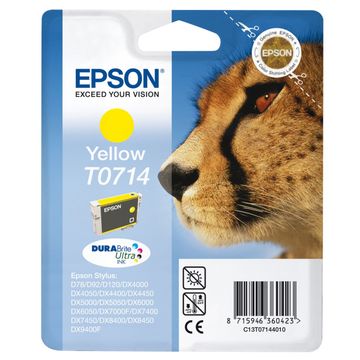
Pack of 1 cartridges 1 pack |
2.5p per page
(1 pack)
- 480
- Lowest online price guarantee
- Lowest online price guarantee
FREE next-day delivery
- Buy more, save money
- 2 £13.60 inc VAT
- 3+ £13.18 inc VAT
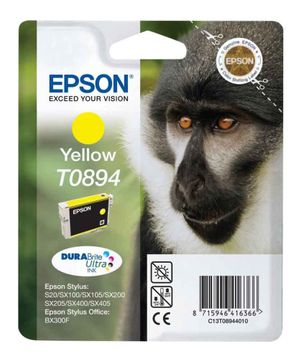
Pack of 1 cartridges 1 pack |
3.8p per page
(1 pack)
- 200
- Lowest online price guarantee
- Lowest online price guarantee
FREE next-day delivery
- Buy more, save money
- 2 £8.18 inc VAT
- 3+ £7.75 inc VAT
If you're searching for great bargains for Epson SX218 cartridges, try out Cartridge Save, where you are able to purchase only the best precision engineered and lowest priced SX 218 supplies! We have got a total range of SX-218 cartridges to pick from, so that you won't have to use free time contacting any nearby businesses wanting to find the offers like what we have. To get the top choice plus the best value offers online, buy your cartridges right here at Cartridge Save.
SX218 Cartridges- Comes With A Money Back Guarantee
Just remember, when you get replacement Epson ink cartridges from our website you will additionally get free delivery as standard. Not only that, every Epson cartridge for sale at our website comes along with a full cash back guarantee along with a quibble-free product returns scheme. Spend less, order now!
What ink does the Epson Stylus SX218 use?
The Epson Stylus SX218 uses Epson C13T08914010 ink cartridges. Epson C13T08914010 ink comes in black; the black cartridge prints 180 pages.
Epson Stylus SX218 Printer Review
Expert review of the Epson Stylus SX218 printer
Want the freedom to print directly from your camera, mobile phone or USB Key? Then consider the Epson SX218 all-in-one inkjet. With a 3.8 cm LCD viewer and built in memory card reader, the SX218 is the perfect home printer. Print, scan and photocopy with ease and save money with their individual Epson SX218 ink cartridge system.
Design
The Epson SX218 printer's black, high-gloss finish looks great and its compact design will make it suitable for the smallest of home offices. The top of the printer hosts the LCD screen viewer and function keys which allows you to print and copy at the click of a button. The collapsible input tray at the rear can hold 100 sheets and makes a nice change from the standard paper feed system that plagues the budget all-in-one category.
Advantages
Considering the price, the Epson SX218 accepts a plethora of external media formats which you wouldn't get from other budget all-in-ones. With over 15 compatible memory cards, the SX218 is one of the most flexible printers on the market. The Epson SX218 cartridges are easy to replace and have been designed to save the end user money as you only need to replace the colours that have been used.
Disadvantages
It's disappointing to see that Epson has overlooked the network capabilities of the printer. Adding WiFi or an Ethernet port would have opened up the market and made the printer more suitable for households with more than one computer. The overall speed of the all-in-one is disappointing so if you intend to print, scan or copy at high-volumes then look elsewhere.