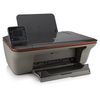
HP Deskjet 3050A e-All-in-One Ink Cartridges
The following 17 products are guaranteed to work in your HP Deskjet 3050A e-All-in-One printer:
17 products are guaranteed to work in your printer:
Switch & Save
Save up to 50% with Cartridge Save own-brand
Guaranteed to be like-for-like alternatives to the originals. Learn more
Sets of ink cartridges for HP Deskjet 3050A e-All-in-One printer:
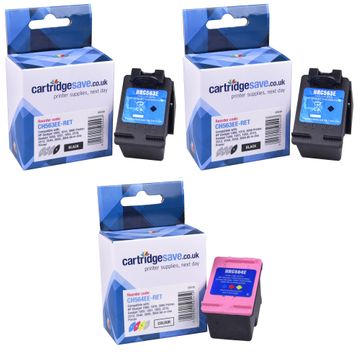
Compatible HP 301XL High Capacity 2 x Black & 1 x Tri-Colour Ink Multipack


- Contains CH563EE (x 2), CH564EE
- Made from recycled HP cartridges
Pack of 3 cartridges 3 pack |
4.5p per page
(3 pack)
- 430
- 430
- 300
- Contains CH563EE (x 2), CH564EE
- Contains CH563EE (x 2), CH564EE
FREE next-day delivery
- Buy more, save money
- 2 £58.09 inc VAT
- 3+ £55.82 inc VAT
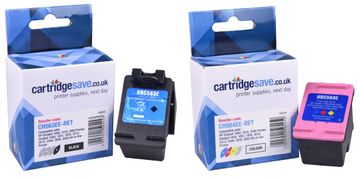
Compatible HP 301XL High Capacity Black & Tri-Colour Ink Cartridge Multipack
- Contains CC563EE, CH564EE
- Made from recycled HP cartridges
Pack of 2 cartridges 2 pack |
5.0p per page
(2 pack)
- 430
- 300
- Contains CC563EE, CH564EE
- Contains CC563EE, CH564EE
FREE next-day delivery
- Buy more, save money
- 2 £39.26 inc VAT
- 3+ £37.51 inc VAT
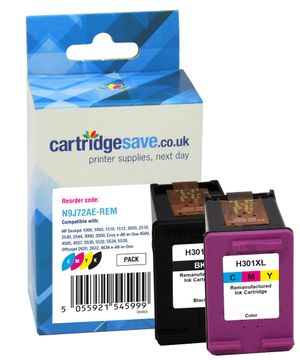
Compatible HP 301 Black & Tri-Colour Ink Cartridge Multipack (N9J72AE)
- Contains CH561EE, CH562EE
- Made from recycled HP cartridges
Pack of 2 cartridges 2 pack |
6.5p per page
(2 pack)
- 170
- 150
- Contains CH561EE, CH562EE
- Contains CH561EE, CH562EE
New product, not yet available
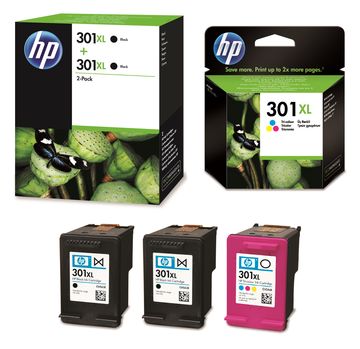
HP 301XL High Capacity 2 x Black & 1 x Tri-Colour Ink Multipack
- Contains CH563EE (x 2), CH564EE
- Lowest online price guarantee
Pack of 3 cartridges 3 pack |
8.3p per page
(3 pack)
- 430
- 430
- 300
- Contains CH563EE (x 2), CH564EE
- Lowest online price guarantee
- Contains CH563EE (x 2), CH564EE
- Lowest online price guarantee
FREE next-day delivery
- Buy more, save money
- 2 £112.32 inc VAT
- 3+ £111.25 inc VAT
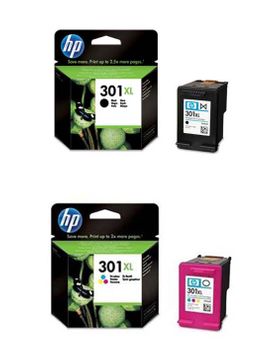
HP 301XL High Capacity Black & Tri-Colour Ink Cartridge Multipack
- Contains CH563EE, CH564EE
- Lowest online price guarantee
Pack of 2 cartridges 2 pack |
9.0p per page
(2 pack)
- 430
- 300
- Contains CH563EE, CH564EE
- Lowest online price guarantee
- Contains CH563EE, CH564EE
- Lowest online price guarantee
FREE next-day delivery
- Buy more, save money
- 2 £76.34 inc VAT
- 3+ £75.37 inc VAT
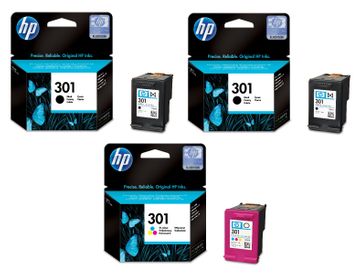
HP 301 2 x Black & 1 x Tri-Colour Ink Cartridge Multipack E5Y87EE
- Contains CH561EE (x 2), CH564EE
- Lowest online price guarantee
Pack of 3 cartridges 3 pack |
10.5p per page
(3 pack)
- 170
- 170
- 150
- Contains CH561EE (x 2), CH564EE
- Lowest online price guarantee
- Contains CH561EE (x 2), CH564EE
- Lowest online price guarantee
FREE next-day delivery
- Buy more, save money
- 2 £59.09 inc VAT
- 3+ £58.14 inc VAT
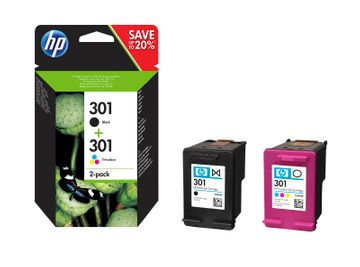
HP 301 Black & Tri-Colour Ink Cartridge Multipack (N9J72AE)
- Contains CH561EE, CH562EE
- Lowest online price guarantee
Pack of 2 cartridges 2 pack |
10.7p per page
(2 pack)
- 170
- 150
- Contains CH561EE, CH562EE
- Lowest online price guarantee
- Contains CH561EE, CH562EE
- Lowest online price guarantee
FREE next-day delivery
- Buy more, save money
- 2 £38.96 inc VAT
- 3+ £38.16 inc VAT
Black ink cartridges for HP Deskjet 3050A e-All-in-One printer:
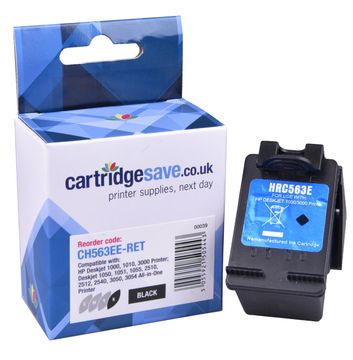
Compatible HP 301XL High Capacity Black Ink Cartridge - (CH563EE)
- Made from recycled HP cartridges
Pack of 1 cartridges 1 pack |
4.4p per page
(1 pack)
- 430
FREE next-day delivery
- Buy more, save money
- 2 £20.12 inc VAT
- 3+ £18.95 inc VAT
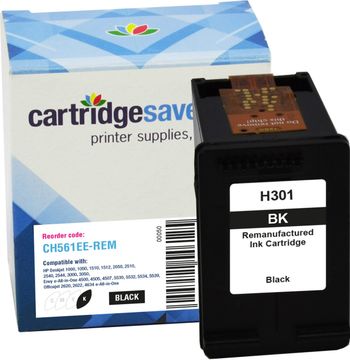
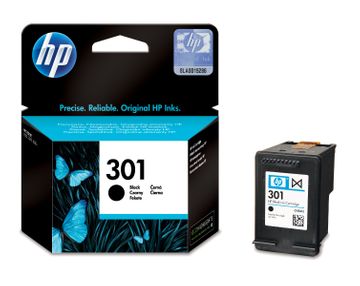
Compatible HP 301 Black Ink Cartridge - (CH561EE)
- Made from recycled HP cartridges
Pack of 1 cartridges 1 pack |
7.9p per page
(1 pack)
- 170
New product, not yet available
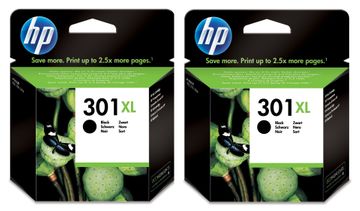
HP 301XL High Capacity Black Ink Cartridge Twin Pack (D8J45AE)
- Contains CH563EE (x 2)
- Lowest online price guarantee
Pack of 1 cartridges 1 pack |
7.7p per page
(1 pack)
- 2 x 430 pages
- Contains CH563EE (x 2)
- Lowest online price guarantee
- Contains CH563EE (x 2)
- Lowest online price guarantee
FREE next-day delivery
- Buy more, save money
- 2 £76.76 inc VAT
- 3+ £75.80 inc VAT
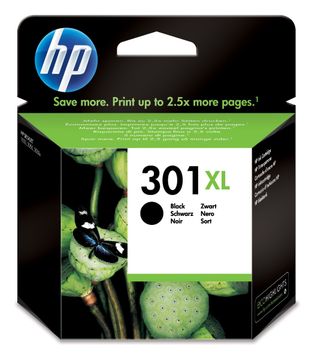
Pack of 1 cartridges 1 pack |
8.1p per page
(1 pack)
- 430
- Lowest online price guarantee
- Lowest online price guarantee
FREE next-day delivery
- Buy more, save money
- 2 £39.62 inc VAT
- 3+ £38.82 inc VAT
Pack of 1 cartridges 1 pack |
10.7p per page
(1 pack)
- 170
- Lowest online price guarantee
- Lowest online price guarantee
FREE next-day delivery
- Buy more, save money
- 2 £19.90 inc VAT
- 3+ £19.14 inc VAT
Colour ink cartridges for HP Deskjet 3050A e-All-in-One printer:
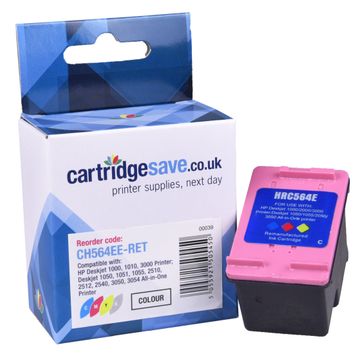
Compatible HP 301XL High Capacity Tri-Colour Ink Cartridge - (CH564EE)
- Made from recycled HP cartridges
Pack of 1 cartridges 1 pack |
6.3p per page
(1 pack)
- 300
FREE next-day delivery
- Buy more, save money
- 2 £19.91 inc VAT
- 3+ £18.73 inc VAT
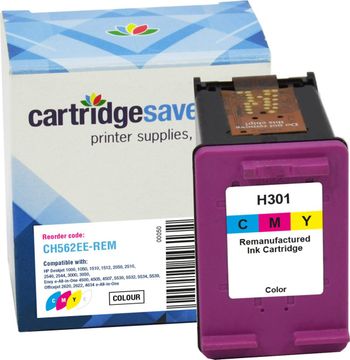
Compatible HP 301 Tri-Colour Ink Cartridge - (CH562EE)
- Made from recycled HP cartridges
Pack of 1 cartridges 1 pack |
8.3p per page
(1 pack)
- 150
FREE next-day delivery
- Buy more, save money
- 2 £12.60 inc VAT
- 3+ £11.62 inc VAT
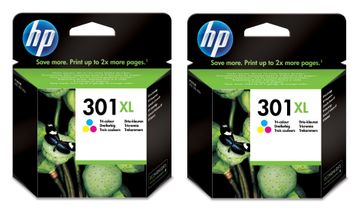
HP 301XL High Capacity Tri-Colour Ink Twin Pack - (D8J46AE)
- Contains CH564EE (x 2)
- Lowest online price guarantee
Pack of 1 cartridges 1 pack |
10.9p per page
(1 pack)
- 2 x 300 pages
- Contains CH564EE (x 2)
- Lowest online price guarantee
- Contains CH564EE (x 2)
- Lowest online price guarantee
FREE next-day delivery
- Buy more, save money
- 2 £75.92 inc VAT
- 3+ £74.96 inc VAT
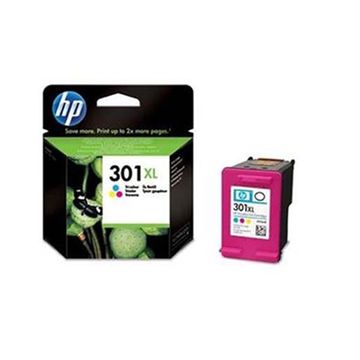
HP 301XL High Capacity Tri-Colour Ink Cartridge - (CH564EE)
- Lowest online price guarantee
Pack of 1 cartridges 1 pack |
11.4p per page
(1 pack)
- 300
- Lowest online price guarantee
- Lowest online price guarantee
FREE next-day delivery
- Buy more, save money
- 2 £39.19 inc VAT
- 3+ £38.39 inc VAT
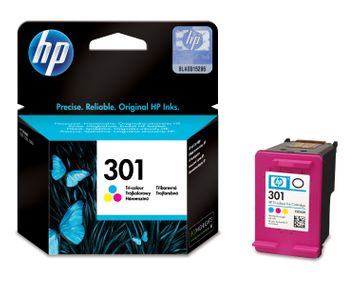
Pack of 1 cartridges 1 pack |
14.3p per page
(1 pack)
- 150
- Lowest online price guarantee
- Lowest online price guarantee
FREE next-day delivery
- Buy more, save money
- 2 £23.84 inc VAT
- 3+ £23.08 inc VAT
What ink does the HP Deskjet 3050A e-All-in-One use?
The HP Deskjet 3050A e-All-in-One uses HP 301 ink cartridges. HP 301 ink comes in black; the black cartridge prints 170 pages.
HP Deskjet 3050A e-All-in-One Printer Review
Expert review of the HP Deskjet 3050A e-All-in-One printer
The HP Deskjet 3050A e-All-in-One, aka the CR231B, is a 3-in-1 printer allowing you to print, copy and scan. Designed for home use, this printer would definitely struggle handling the needs of a small business, thanks to the small paper tray and lack of duplexer. The printer does, however, come with some excellent features including HP's 'e-print' technology, allowing you to connect to the printer from anywhere in the world using e-mail or your smart phone.
Design
Featuring a 5 cm mono display, the HP Deskjet 3050A e-All-in-One allows you to control a number of functions directly from the printer. Paper capacity is rather limited on this device with only 60 sheets, although its connectivity tools, including WiFi and the previously mentioned "e-print" technologies are some of the best on the market. Surprisingly there is no memory card support, although being able to print direct from smart phones and cameras makes up for that.
Advantages
For a home device the HP Deskjet 3050A e-All-in-One is the perfect size (249 x 427 x 406 mm), plus its WiFi connectivity means it can be tucked away, without the need for cumbersome wires. In terms of print quality, text comes out looking crisp and clear, while colour printing is more than acceptable for a multi-functional device in this price range.
Disadvantages
Where this printer really falls short, is its potential to be used by a small business or home business user; the HP Deskjet 3050A e-All-in-One is claimed to be able to handle small business needs, yet it has very limited paper capacity, no duplex printing and print speeds are average.