- Toner Cartridges
- Canon Toner Cartridges


Save up to 50% with Cartridge Save own-brand Guaranteed to be like-for-like alternatives to the originals.
- With over 2 million happy customers, they are by far the best selling third-party printer cartridges in the UK.
- Full 3-year warranty
- Won't invalidate your printer warranty
REMEMBER... all third-party printer cartridges are NOT the same!
Learn more about switch and save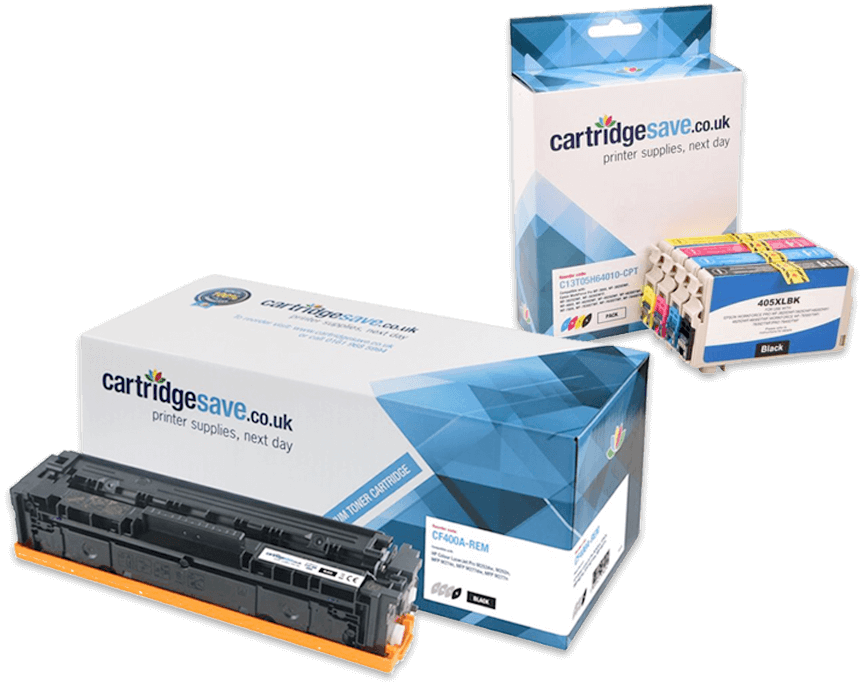
If you're in a hurry to find the best Canon toner, look no further than Cartridge Save - the UK's leading online supplier of next day Canon laser toner cartridges. We keep a huge range of genuine Canon toners and compatible toner for Canon laser printers in stock and ready for free next day delivery on all orders placed over £30. Both genuine and compatible versions of each Canon toner have been rigorously tested for the quality of their printouts, and we only stock cartridges that meet these high standards. For Canon toner at the lowest prices and highest quality, choose Cartridge Save!
Bestselling Canon toner cartridges


Complete List of Canon Toner Cartridges
Cheap Canon Toner Cartridges
Known for their combination of high quality printouts and competitive pricing, Canon laser printers have become extremely popular for use in homes and businesses throughout the UK. While the machines are affordable now, the replacement toner cartridges for them are expensive when purchased off the high street.
Here at Cartridge Save, however, Canon toners are cheap because we have cut out the middlemen and can then pass on the savings to our customers. We have a strict policy that closely regulates the products that we offer, Cartridge Save will only ever provide top quality toners that we would happily use in our own offices. Each cartridge that comes into our stock has been checked for compatibility with your Canon laser printer before it leaves the factory, so you can be sure that it will work seamlessly.
Our stock of toners is particularly sizeable with a range of popular and hard-to-find replacement Canon toners. Each of the replacement cartridges that we stock are fully covered by our no quibble money back guarantee and also come with free next day delivery as standard (when you spend £30).
Cartridge Save add value to your Canon toner cartridges, our customer service team our friendly and more than happy to deal with any questions you may have about purchasing a replacement Canon laser products. We also have a handy account system that stores your printer model to make ordering toners easier in the future.
We pride ourselves on our wide range of Canon toner cartridges, but we also stock a broad array of Canon ink cartridges