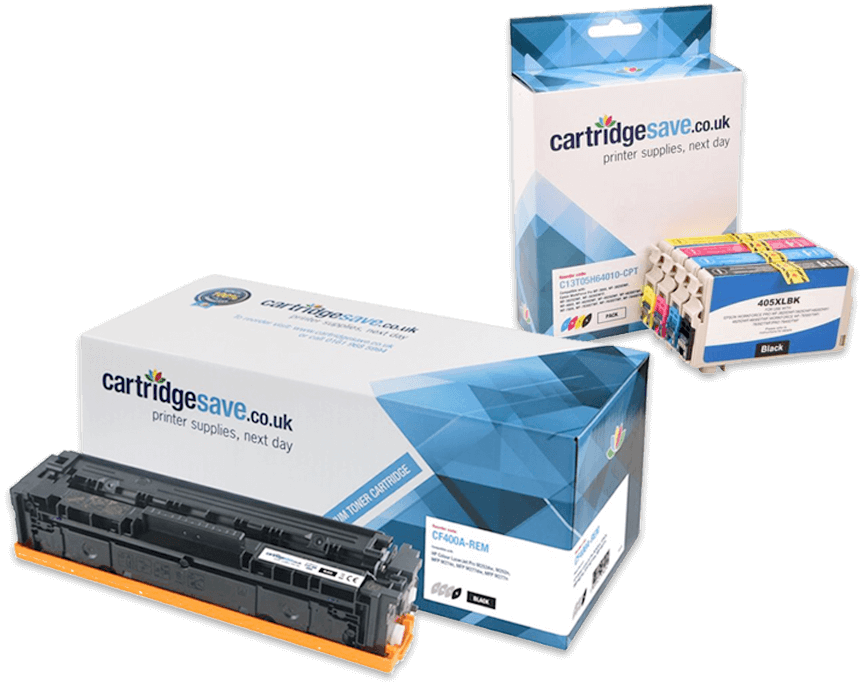
Xerox Workcentre 3119 Toner Cartridges
(and other items)
The following 2 products are guaranteed to work in your Xerox Workcentre 3119 printer
See about our guarantee and FREE returns policy
Got a question about products for this printer?
Cut The Cost Of Xerox 3119 Toner Cartridges
Without doubt, we're competitive on the price of Xerox 3119 toner cartridges. This cheap Xerox 3119 toner is backed by our own low cost policy, to give you every chance of saving money. We pride ourselves on supplying top quality toner cartridges for the Xerox WorkCentre 3119 laser printer that have been built with the best quality materials. And for further peace of mind, we offer a complete, 30 day guarantee on your Xerox 3119 toner cartridge to safeguard you.
Great Value Xerox 3119 Toner Cartridges
Remember, we offer free delivery on Xerox WorkCentre 3119 toner to save your time and money. Making our customers happy is Cartridge Save's main concern and we underline this key fact by offering the rock solid money back guarantee for Xerox 3119 toner. Our support staff are available to help you throughout. Get your order in now to save.
Most popular Xerox printers
- Xerox 6280 toner cartridges
- Xerox 6180 toner cartridges
- Xerox 6110 toner cartridges
- Xerox 8570 ink cartridges
- Xerox 8560 ink cartridges
- Xerox 6121MFP toner cartridges
- Xerox 6125 toner cartridges
- Xerox IF-6020 ink cartridges
- Xerox IF-6025 ink cartridges
- Xerox 3119 toner cartridges
- Xerox 6000 toner cartridges
- Xerox 6110MFP toner cartridges
- Xerox 7400 toner cartridges
- Xerox 6180MFP toner cartridges
- Xerox 6128MFP toner cartridges
- Xerox 6140 toner cartridges
- Xerox 3100MFP toner cartridges
- Xerox 6500 toner cartridges
- Xerox 6130 toner cartridges
- Xerox 3300MFP toner cartridges
- Xerox 7132 toner cartridges
- Xerox 3435 toner cartridges
- Xerox 3200MFP toner cartridges
- Xerox 3220 toner cartridges
- Xerox 6100 toner cartridges
- Xerox 7500 toner cartridges
- Xerox C226 toner cartridges
- Xerox M24 toner cartridges
- Xerox 6360 toner cartridges
- Xerox 7760 toner cartridges
- Xerox 6110N toner cartridges
- Xerox 6200 toner cartridges
- Xerox 3535 toner cartridges
- Xerox 8560MFP ink cartridges
- Xerox 250 toner cartridges
- Xerox 6010 toner cartridges
- Xerox 5645 toner cartridges
- Xerox 7750 toner cartridges
- Xerox M15i toner cartridges
- Xerox 8400 ink cartridges
Xerox Workcentre 3119 Printer Review
Expert review of the Xerox Workcentre 3119 printer 21 April, 2011
Our Verdict:
The Xerox WorkCentre 3119 is a multifunction laser printer in an extremely compact package. But it doesn’t sacrifice functionality in order to fit it. It prints, scans, copies, faxes and includes PC-fax capabilities. It doesn’t support duplex printing, but you can print to both sides manually. It has a 250 sheet capacity, prints up to 18 pages per minute and rates for 10,000 pages per month. The optical resolution is 2,400 x 600 dpi, but by sacrificing speed and using the included software, you can increase that to as much as 4,800 dpi, which is quite impressive for a machine at this price level. The reasonably priced Xerox 3119 toner cartridges produce approximately 3,000 prints.
Design
Xerox uses a very basic, very flat rectangular design for the WorkCentre 3119. At the top is a lid as well as the copying and beneath that is the blue control panel, which breaks up the off-white motif. The control panel is little basic for a multifunction laser printer; it has less than ten buttons. However, most of the functionality is accessible through the menu system, which you can also access via computer. The paper tray is at the very bottom; above it is the paper output with a retractable output tray. The printer is heavy for its size, but it’s compact enough that you shouldn’t have trouble finding a permanent spot for it. Access to change a used Xerox 3119 toner for a new one is easy.
Advantages
Multifunction office stations tend to under perform as scanners and copiers, but that isn’t the case with the Xerox WorkCentre 3119. It scans and copies just as fast as it prints, and it doesn’t sacrifice quality to do that. In Windows environments, you can use the included software to improve on the quality. You do sacrifice speed to do that, but it’s a nice option to have for those important print jobs. The 3119 doesn’t support printing colour, but it scans and copies it well enough and does graphics good enough for internal office use.
Disadvantages
The biggest disadvantage to the Xerox WorkCentre 3119 is that it isn’t efficient in terms of cost per page. Another issue with this printer is the warm-up time, which is quite a bit slower than most printers at this price range are. It doesn’t even have an instant-on feature, so even if the printer has been on and warmed up for a while, it will still take its time getting to that first print.