- Ink Cartridges

Save up to 50% with Cartridge Save own-brand Guaranteed to be like-for-like alternatives to the originals.
- With over 2 million happy customers, they are by far the best selling third-party printer cartridges in the UK.
- Full 3-year warranty
- Won't invalidate your printer warranty
REMEMBER... all third-party printer cartridges are NOT the same!
Learn more about switch and save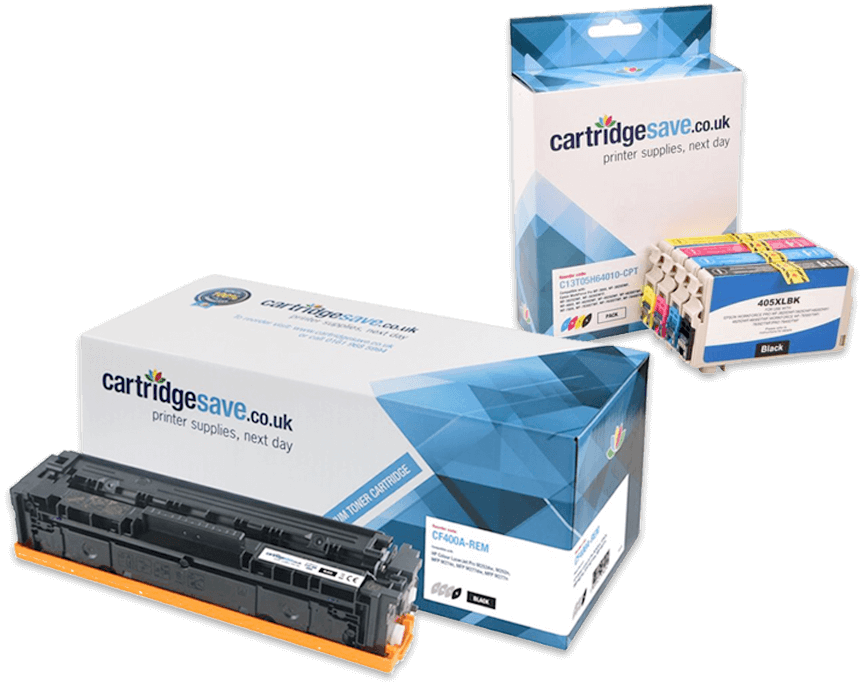
Select your laser printer















Printer ink made affordable
We supply a vast range of ink cartridges for every kind of printer, so whichever model you own, Cartridge Save has the right cartridge to get your printer up and running again. From HP and Epson inkjet printers to Canon and Brother, we have the perfect ink cartridge for you. We also stock Kodak and Xerox inkjet cartridges among our popular printer ink brands.
How long does an ink cartridge last?
Most ink cartridges have a shelf life of 24 months. All cartridges have an expiration date printed on the packaging and this can be used as a guide. But if stored correctly your ink cartridges should last 24 months. Make sure you keep the cartridges in their airtight packaging and out of direct sunlight. Also, store the cartridges at room temperature and away from heat sources such as radiators.
What is the most popular ink cartridge?
The most popular ink cartridge is the HP 304 ink cartridge, closely followed by the Canon CL-541XL cartridge.
Which is the cheapest ink cartridge?
The cheapest ink cartridge varies depending on how you measure “cheapest”. If you’re looking for value for money then you need to look at the page yield of the cartridge. This tells you how many pages you can print using the ink in the cartridge. Dividing the total cost of the cartridge by the number of pages gives you a cost per printed page. This can be used to compare different cartridges.


