- Ink Cartridges
- HP Ink Cartridges
- Designjet Z6200 60-in Ink Cartridges
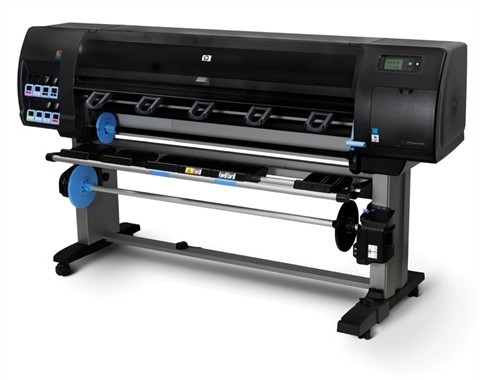
HP Designjet Z6200 60-in Ink Cartridges
The following 29 products are guaranteed to work in your HP Designjet Z6200 60-in printer:
29 products
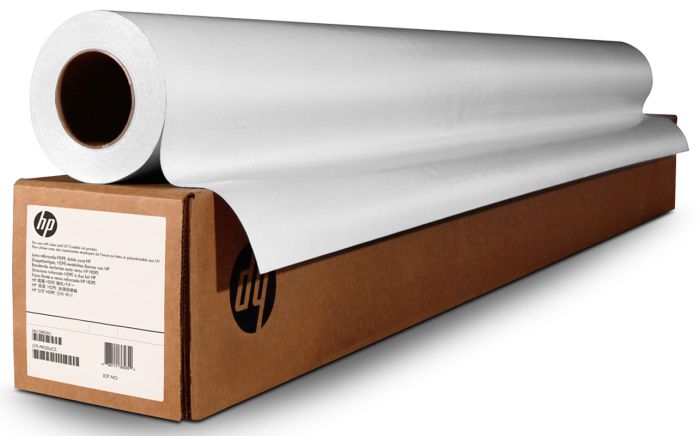
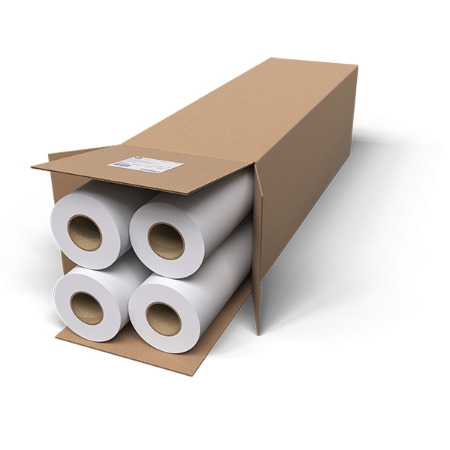
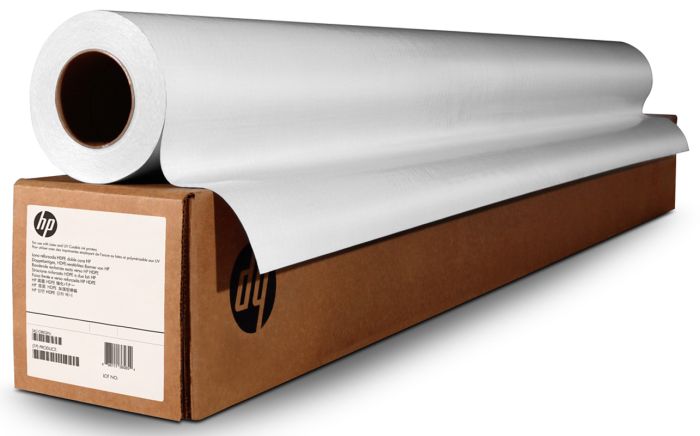
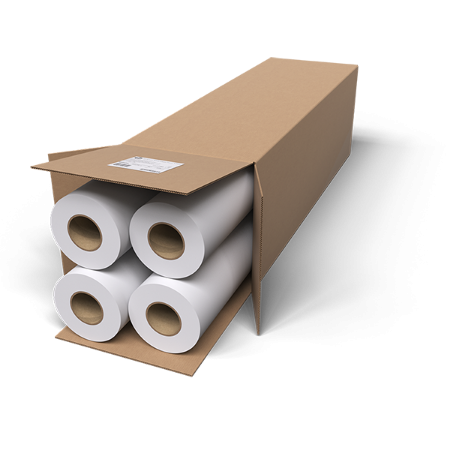
HP A1 / 24" paper rolls for design and graphics
FREE delivery
- Lowest online price guarantee
FREE delivery
FREE delivery
- Lowest online price guarantee
FREE delivery
Shipped next working-day
- Lowest online price guarantee
Shipped next working-day
FREE delivery
- Lowest online price guarantee
FREE delivery
Shipped next working-day
- Lowest online price guarantee
Shipped next working-day
HP A0+ / 36"+ paper rolls for design and graphics
Shipped next working-day
- Lowest online price guarantee
Shipped next working-day
Out of stock
- Lowest online price guarantee
Out of stock
Sets of ink cartridges for HP Designjet Z6200 60-in printer:
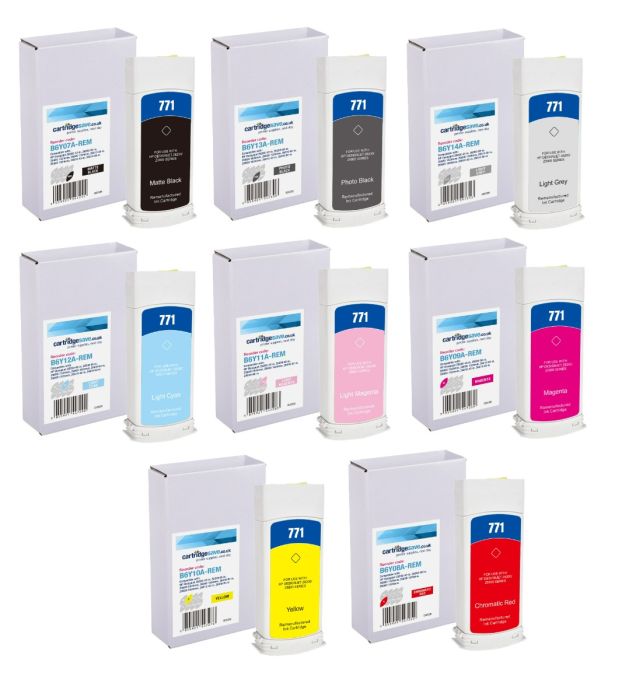
- 1x775ml
- 1x775ml
- 1x775ml
- 1x775ml
- 1x775ml
- 1x775ml
- 1x775ml
- 1x775ml
FREE delivery
Save £800.34 compared to HP
- Contains
B6Y07A, B6Y08A, B6Y09A, B6Y10A, B6Y11A, B6Y12A, B6Y13A, B6Y14A
FREE delivery
Save £800.34 compared to HP
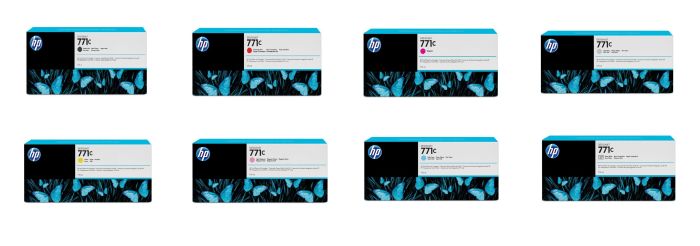
- 1x775ml
- 1x775ml
- 1x775ml
- 1x775ml
- 1x775ml
- 1x775ml
- 1x775ml
- 1x775ml
FREE delivery
- Contains
B6Y07A, B6Y08A, B6Y09A, B6Y10A, B6Y11A, B6Y12A, B6Y13A, B6Y14A
- Lowest online price guarantee
FREE delivery
Matte black ink cartridges for HP Designjet Z6200 60-in printer:
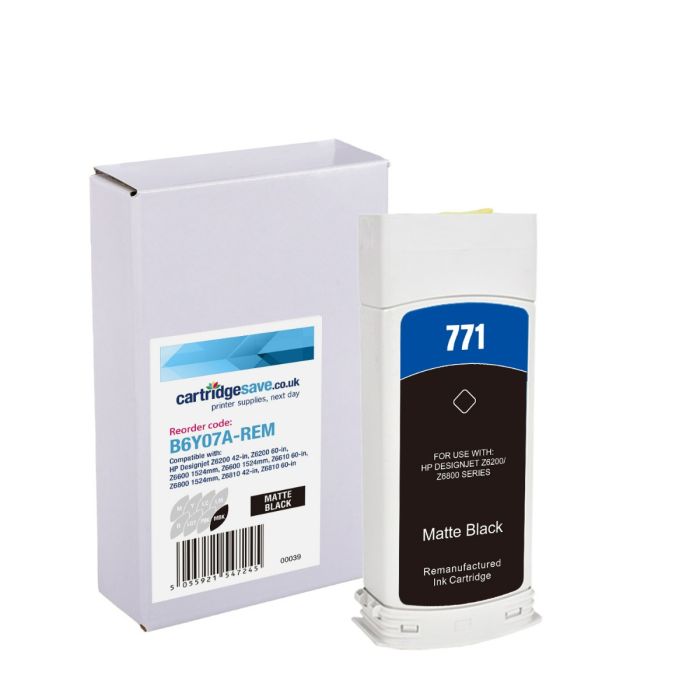
- 1x775ml
FREE delivery
Save £102.20 compared to HP
FREE delivery
Save £102.20 compared to HP

- 3x775ml
Out of stock
- Lowest online price guarantee
Out of stock
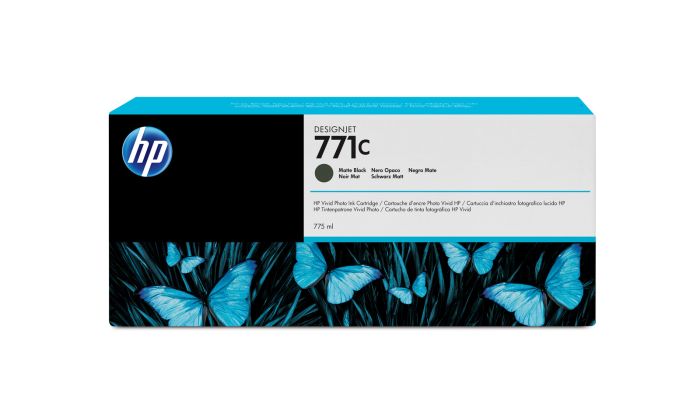
- 1x775ml
FREE delivery
- Lowest online price guarantee
FREE delivery
Photo black ink cartridges for HP Designjet Z6200 60-in printer:

- 1x775ml
FREE delivery
Save £100.25 compared to HP
FREE delivery
Save £100.25 compared to HP
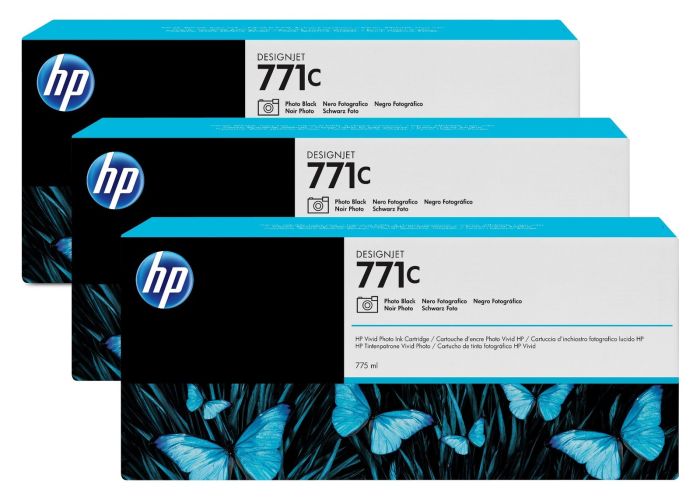
- 3x775ml
Out of stock
- Lowest online price guarantee
Out of stock
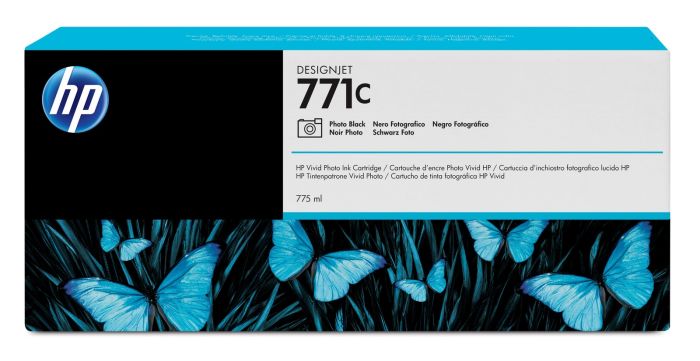
- 1x775ml
FREE delivery
- Lowest online price guarantee
FREE delivery
Light cyan ink cartridges for HP Designjet Z6200 60-in printer:

- 1x775ml
FREE delivery
Save £102.20 compared to HP
FREE delivery
Save £102.20 compared to HP
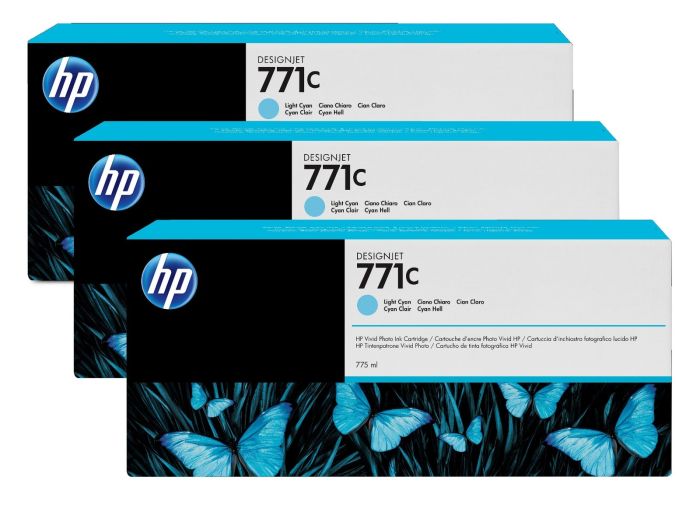
- 3x775ml
Out of stock
- Contains
771C (x 3)
- Lowest online price guarantee
Out of stock
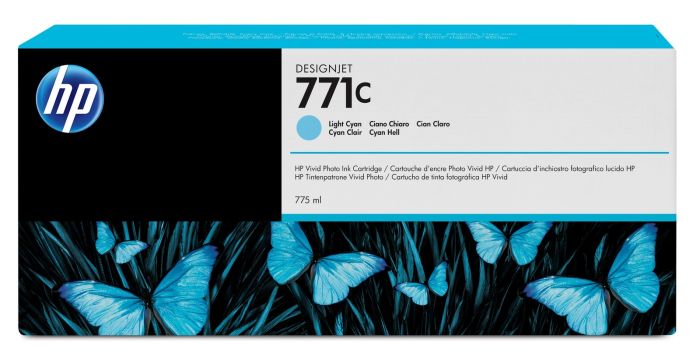
- 1x775ml
FREE delivery
- Lowest online price guarantee
FREE delivery
Magenta ink cartridges for HP Designjet Z6200 60-in printer:

- 1x775ml
FREE delivery
Save £102.20 compared to HP
FREE delivery
Save £102.20 compared to HP
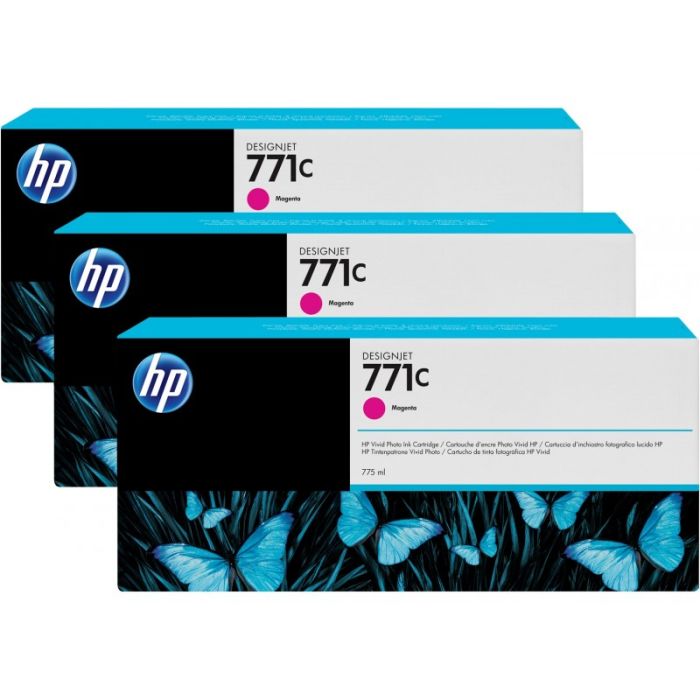
- 3x775ml
Out of stock
- Lowest online price guarantee
Out of stock
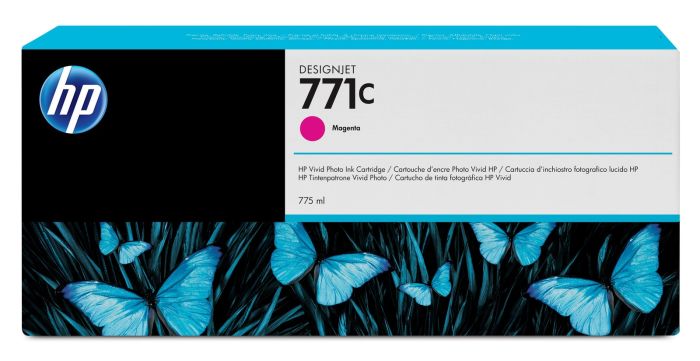
- 1x775ml
FREE delivery
- Lowest online price guarantee
FREE delivery
Light magenta ink cartridges for HP Designjet Z6200 60-in printer:
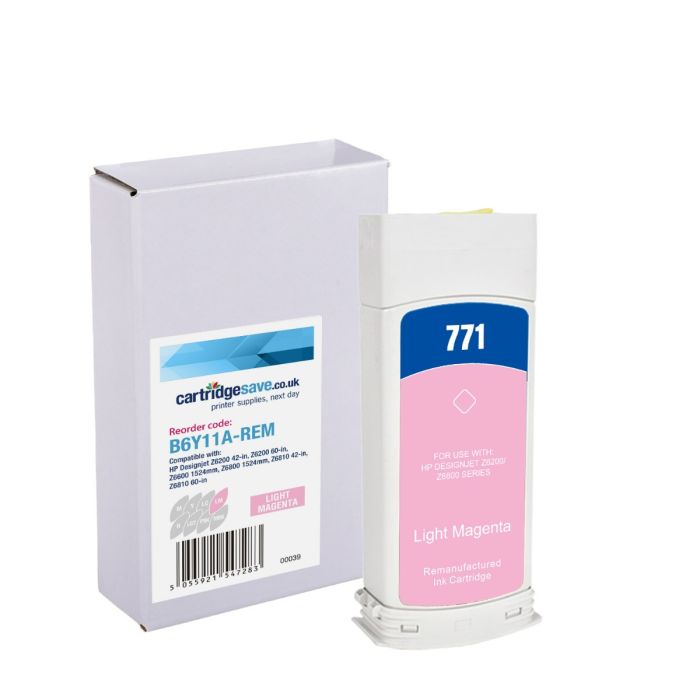
- 1x775ml
FREE delivery
Save £102.20 compared to HP
FREE delivery
Save £102.20 compared to HP
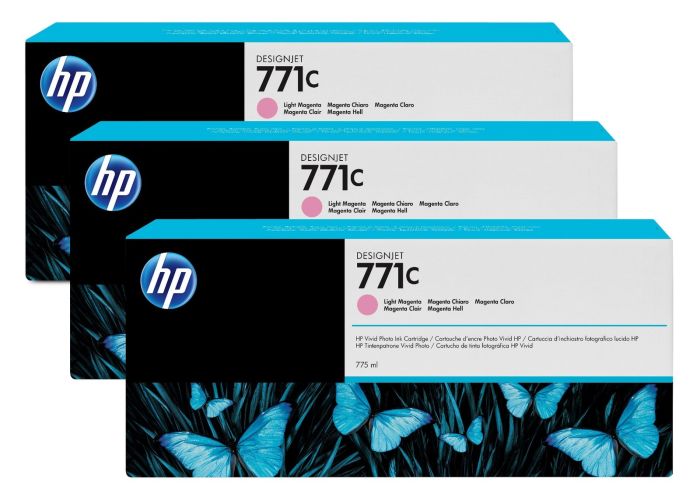
- 3x775ml
Out of stock
- Lowest online price guarantee
Out of stock
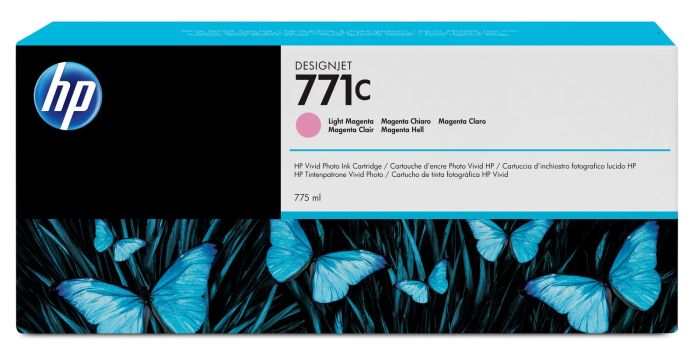
- 1x775ml
FREE delivery
- Lowest online price guarantee
FREE delivery
Yellow ink cartridges for HP Designjet Z6200 60-in printer:

- 1x775ml
FREE delivery
Save £102.20 compared to HP
FREE delivery
Save £102.20 compared to HP
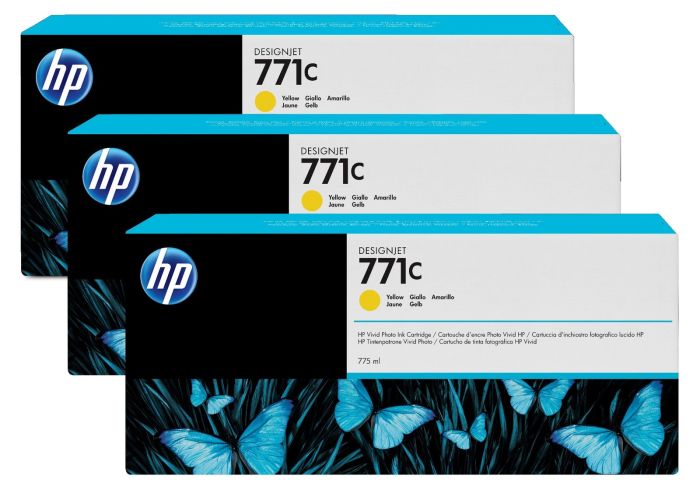
- 3x775ml
FREE delivery
- Lowest online price guarantee
FREE delivery
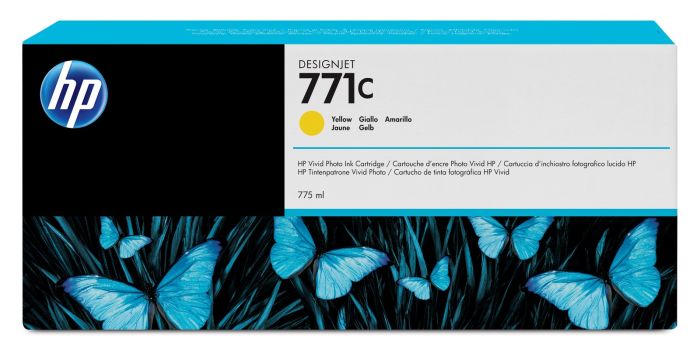
- 1x775ml
FREE delivery
- Lowest online price guarantee
FREE delivery
Red ink cartridges for HP Designjet Z6200 60-in printer:
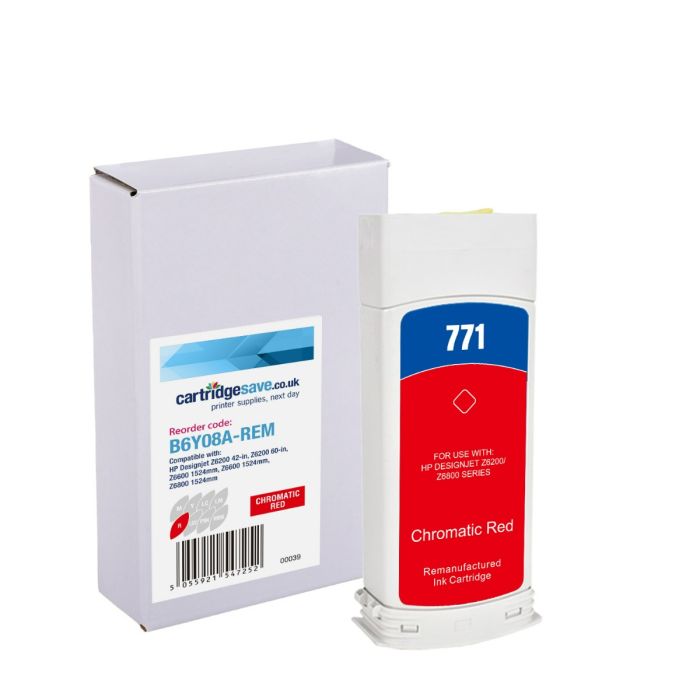
- 1x775ml
FREE delivery
Save £102.20 compared to HP
FREE delivery
Save £102.20 compared to HP
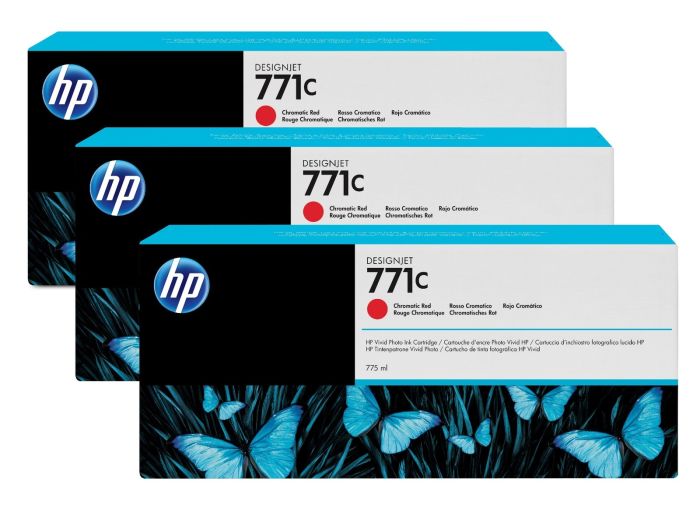
- 3x775ml
Out of stock
- Lowest online price guarantee
Out of stock
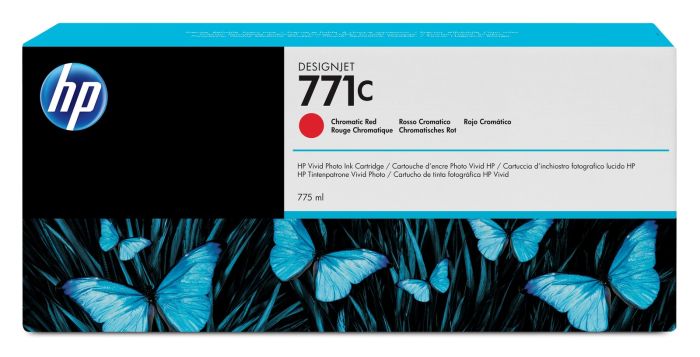
- 1x775ml
FREE delivery
- Lowest online price guarantee
FREE delivery
Light grey ink cartridges for HP Designjet Z6200 60-in printer:

- 1x775ml
FREE delivery
Save £102.20 compared to HP
FREE delivery
Save £102.20 compared to HP
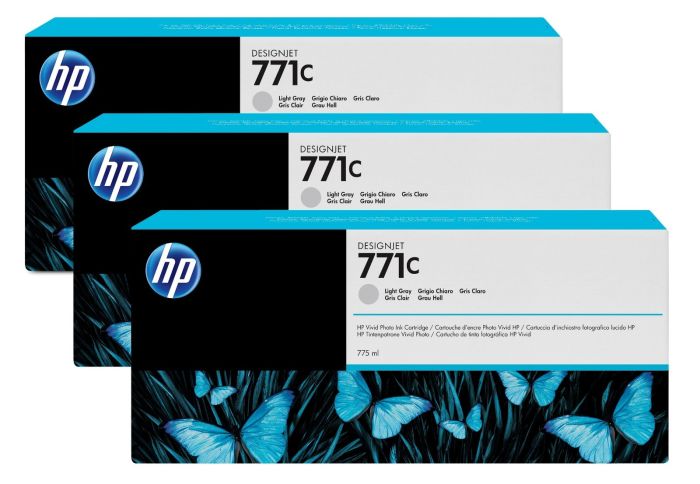
- 3x775ml
Out of stock
- Lowest online price guarantee
Out of stock
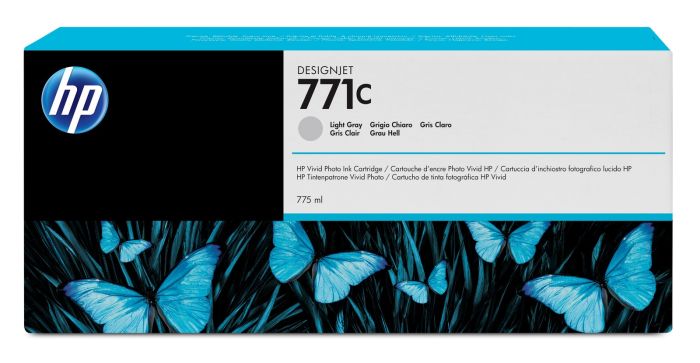
- 1x775ml
FREE delivery
- Lowest online price guarantee
FREE delivery
Printheads for HP Designjet Z6200 60-in printer:

FREE delivery
- Lowest online price guarantee
FREE delivery
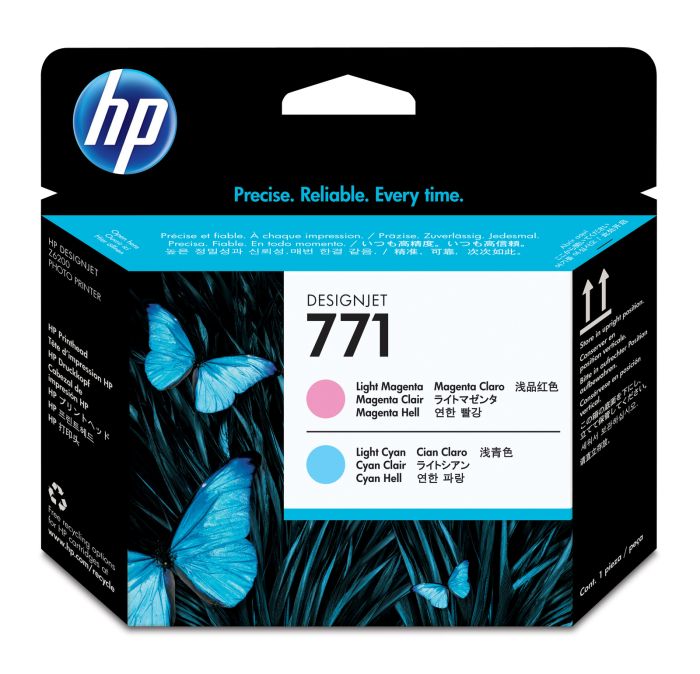
FREE delivery
- Lowest online price guarantee
FREE delivery
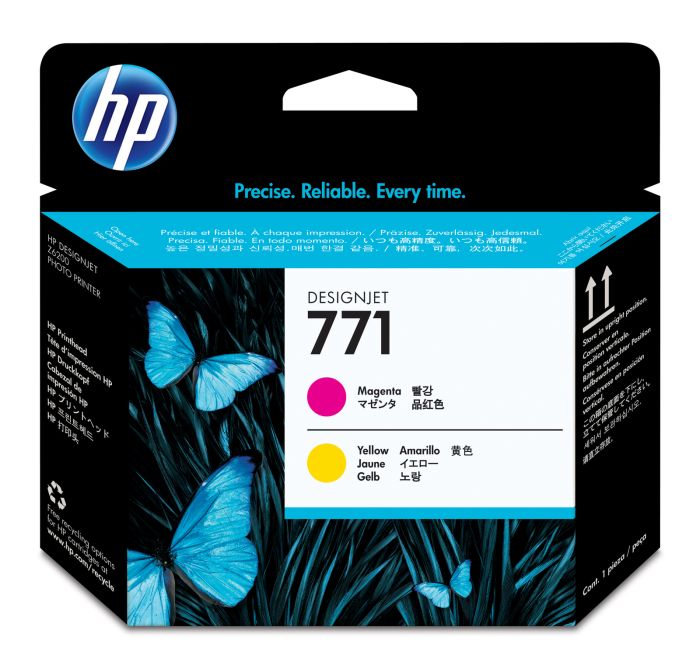
FREE delivery
- Lowest online price guarantee
FREE delivery
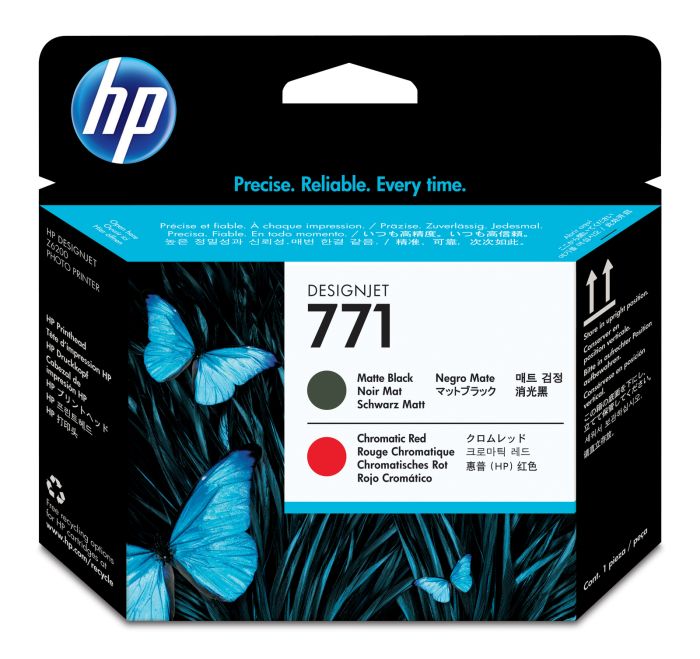
FREE delivery
- Lowest online price guarantee
FREE delivery
Maintenance items for HP Designjet Z6200 60-in printer:
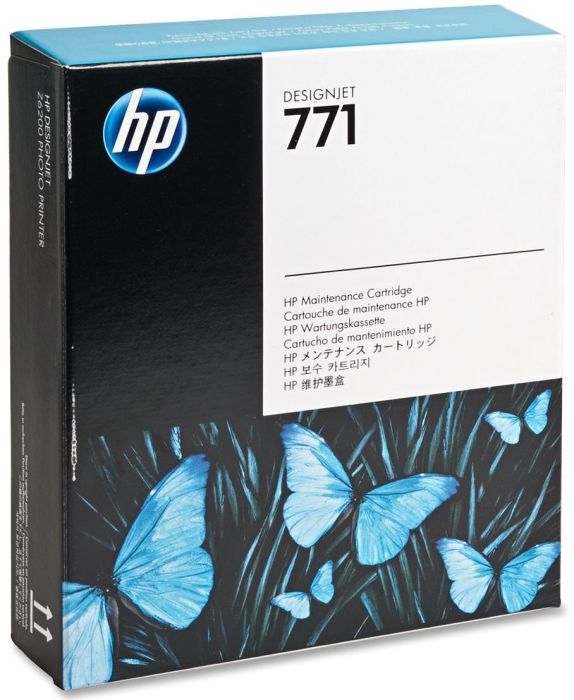
Out of stock
- Lowest online price guarantee
Out of stock
HP Designjet Z6200 60-in Printer Review
Expert review of the HP Designjet Z6200 60-in printer


The HP Designjet Z6200 60-in large format printer has all the same features as the smaller 42-inch version, making it ideal for photo printing. It uses the same HP thermal inkjet technology that yields up to 2400x1200 dpi resolution for both black and white and coloured prints. The HP Designjet Z6200 60-in printer uses pigment-based inks, which offer excellent vibrancy when it comes to photos. The Z6200 60-in inkjet printer has network capabilities, but it does not offer any other function besides large format printing.
Design
The HP Designjet Z6200 60-in large format photo printer is basically the same machine as the previous 42-inch version, only larger. It can handle media that are 11 to 60 inches in width and it has larger horizontal dimensions, measuring 95.7x27.2x53.9 inches. It weighs about 419 lbs, and it has a take-up reel to help with easy output management. The HP Designjet Z6200 60-in colour inkjet printer even has a roll feed and an automatic cutter.
Advantages
Large format printing up to 60 inches is the main selling point of the Designjet Z6200 60-in photo printer but it also offers other impressive features like 32 GB standard memory, built-in Ethernet and USB connectivity, and compatibility with a wide range of operating systems including Mac, Windows, Citrix, and Linux. Pigment-based HP Designjet Z6200 60-in inks offer excellent fade-resistance and deliver top photo-quality prints for backlit signs, POP displays and other tough printing tasks.
Disadvantages
The HP Designjet Z6200 60-in is a very large unit that requires plenty of room to operate. It does not offer multifunction features, as it only specialises in large format printing. However, the Z-6200 does offer versatile print modes, able to print on a wide range of media for different applications.