- Toner Cartridges
- Dell Toner Cartridges
- 1320c Toner Cartridges
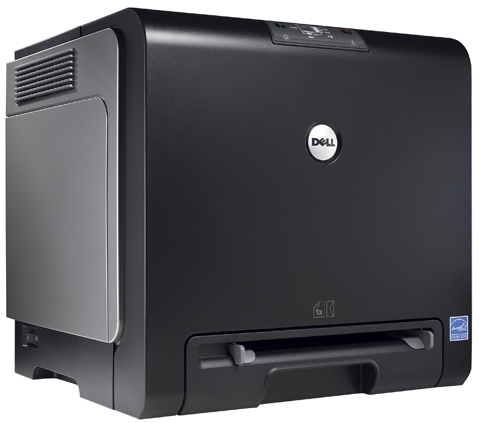
Dell 1320c Toner Cartridges
The following 5 products are guaranteed to work in your Dell 1320c printer:
5 products
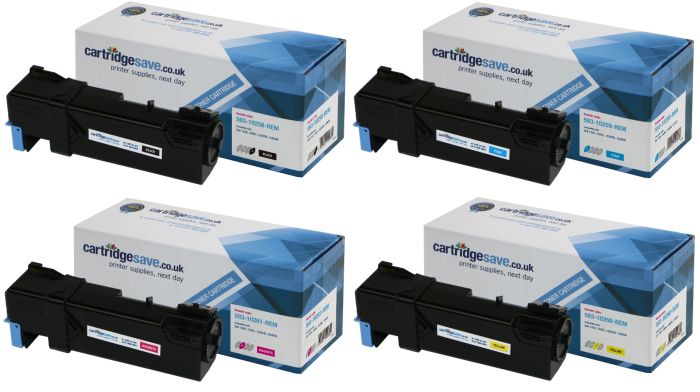
Full sets of toner cartridges for Dell 1320c printer:
For most cartridges this is based on 5% coverage on A4 paper. These numbers are based on manufacturer quoted values and are for comparison purposes only.
- 1x2000pages
- 1x2000pages
- 1x2000pages
- 1x2000pages
FREE next-day delivery when you order before 5:15pm
Contains 593‑10258, 593‑10259, 593‑10260, 593‑10261
For most cartridges this is based on 5% coverage on A4 paper. These numbers are based on manufacturer quoted values and are for comparison purposes only.
FREE next-day delivery when you order before 5:15pm
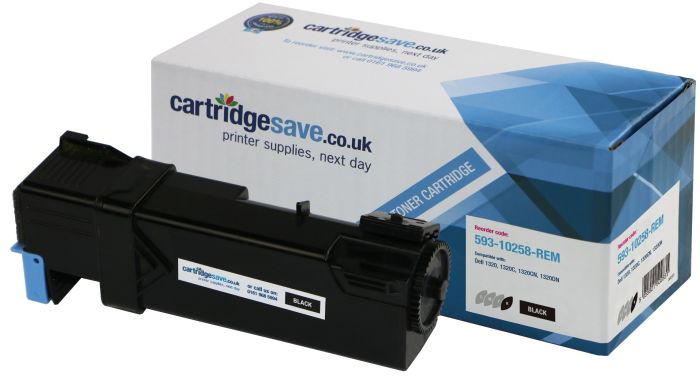
Black toner cartridges for Dell 1320c printer:
For most cartridges this is based on 5% coverage on A4 paper. These numbers are based on manufacturer quoted values and are for comparison purposes only.
- 1x2000pages
FREE next-day delivery when you order before 5:15pm
For most cartridges this is based on 5% coverage on A4 paper. These numbers are based on manufacturer quoted values and are for comparison purposes only.
FREE next-day delivery when you order before 5:15pm
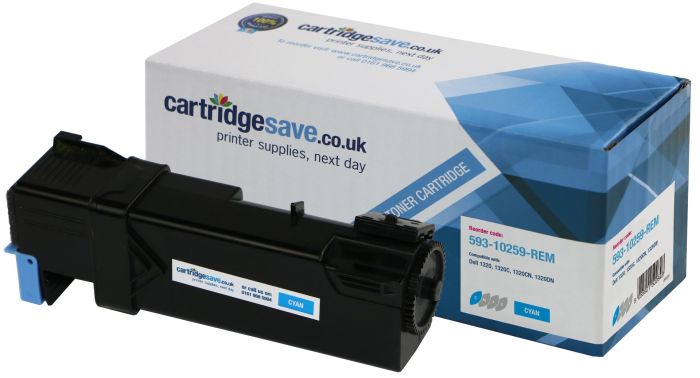
Cyan toner cartridges for Dell 1320c printer:
For most cartridges this is based on 5% coverage on A4 paper. These numbers are based on manufacturer quoted values and are for comparison purposes only.
- 1x2000pages
FREE next-day delivery when you order before 5:15pm
For most cartridges this is based on 5% coverage on A4 paper. These numbers are based on manufacturer quoted values and are for comparison purposes only.
FREE next-day delivery when you order before 5:15pm
Magenta toner cartridges for Dell 1320c printer:
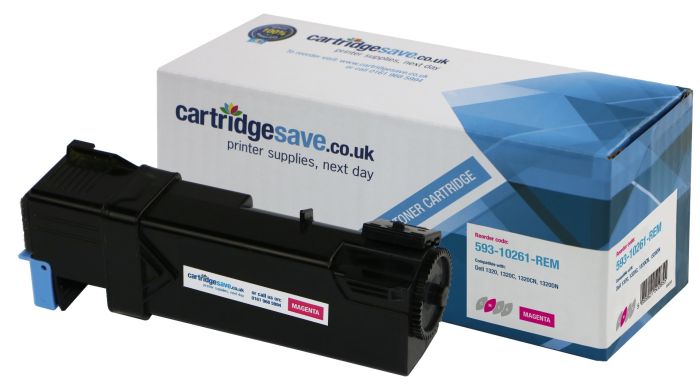
For most cartridges this is based on 5% coverage on A4 paper. These numbers are based on manufacturer quoted values and are for comparison purposes only.
- 1x2000pages
FREE next-day delivery when you order before 5:15pm
For most cartridges this is based on 5% coverage on A4 paper. These numbers are based on manufacturer quoted values and are for comparison purposes only.
FREE next-day delivery when you order before 5:15pm
Yellow toner cartridges for Dell 1320c printer:
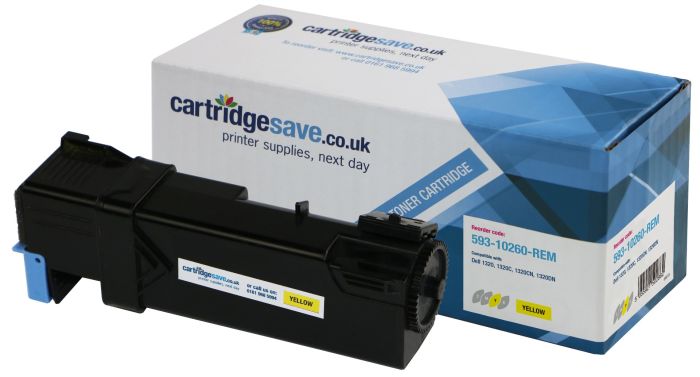
For most cartridges this is based on 5% coverage on A4 paper. These numbers are based on manufacturer quoted values and are for comparison purposes only.
- 1x2000pages
FREE next-day delivery when you order before 5:15pm
For most cartridges this is based on 5% coverage on A4 paper. These numbers are based on manufacturer quoted values and are for comparison purposes only.
FREE next-day delivery when you order before 5:15pm
Shop For Dell 1320c Toner Online
If you have never shopped Cartridge Save for your Dell 1320c toner cartridges before, try us, as you will not be disappointed! Your shopping experience is easy and will help you save on every order for Dell 1320c toner. In addition, if you find something is wrong with your order and you want your Dell 1320c cartridges to be replaced, we will refund 100% of your money back or replace your order with a new one with no questions asked. See why Cartridge Save is the leading online supplier of toner cartridges in the UK!
Save On Dell 1320c Laser Toner Cartridges
Saving has never been so easy as it is with Cartridge Save. That is because not only do we help you save on the initial purchase price when you buy our Dell 1320c toners, but we also save you more of your cash with FREE delivery on orders over £30 as standard on every order. Low costs and free delivery on orders over £30 can help you save money for other more important things! Shop for your ink supplies at Cartridge Save today and see why so many others are saving with us!
Dell 1320c Printer Review
Expert review of the Dell 1320c printer


While Dell may have originally been synonymous with the PC market, they are now making a name for themselves in the printer arena. The Dell 1320c is a moderately-priced printer that was built for professional quality prints on a budget. This machine puts Dell in direct contention with some of the big name companies such as Canon, Lexmark, and HP. The question is, will it stand up to the competition?
Design
The 1320C is a large black cube with a simple appearance and very few frills. There are six indicator LEDs, to display any problems or malfunctions, set into the front of the printer. It houses a 250 sheet paper tray which unfortunately has no options for a secondary or extended tray. There is a specialty print slot along the front of machine for custom prints while the single USB and power cord are tucked neatly into the back. There are only two buttons on the machine for halting and restarting print jobs.
Advantages
The print driver makes the 1320c exceptionally useful for everything from colour profiling to multiple page per sheet prints. In terms of pages per minute, this printer is respectable with just over 16 black text print pages per minute. Colour-intensive prints come out about four seconds quicker than Dell's expected at nearly 8 pages a minute. Sticking to simplistic business graphics and text, the quality of the print is clear and runs very quietly.
Disadvantages
Problems do arise when it comes to overlaying colour during prints. Quite a bit of fading can be seen when blacks and reds begin to blur together in pixel-heavy prints. The other notable aspect of the 1320c is the setup and cartridge replacement. There is a horizontal system with unique toner slots inside of a panel on the side of the machine. Packaging paper and tape must be removed in careful order to not damage the any of the feeds or connectors when initially setting up the printer.
In the end, this printer does what it needs to well. It prints simple graphics and blocks of texts relatively clean and inexpensively. Unfortunately, due to the quality of the machine it is not suited for anything beyond a small business or home office and may be passed over in search of a Lexmark or HP of similar price as soon as the opportunity arises.