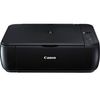
Canon Pixma MP280 Ink Cartridges
The following 12 products are guaranteed to work in your Canon Pixma MP280 printer:
12 products are guaranteed to work in your printer:
Switch & Save
Save up to 50% with Cartridge Save own-brand
Guaranteed to be like-for-like alternatives to the originals. Learn more
Sets of ink cartridges for Canon Pixma MP280 printer:
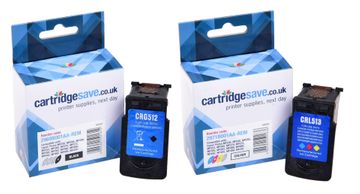
Compatible Canon PG-512 / CL-513 High Capacity Black & Tri-Colour Ink Cartridge Multipack


- Contains 2969B001AA, 2971B001AA
- Made from recycled Canon cartridges
Pack of 2 cartridges 2 pack |
3.7p per page
(2 pack)
- 401
- 349
- Contains 2969B001AA, 2971B001AA
- Contains 2969B001AA, 2971B001AA
FREE next-day delivery
- Buy more, save money
- 2 £29.87 inc VAT
- 3+ £28.37 inc VAT
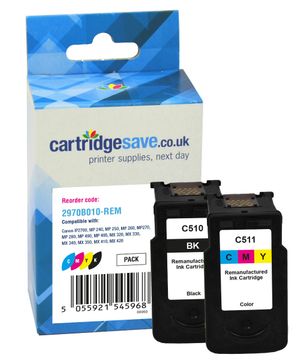
Compatible Canon PG-510 / CL-511 Black & Tri-Colour Ink Cartridge Multipack (2970B010)
- Contains 2970B001AA, 2972B001AA
- Made from recycled Canon cartridges
Pack of 2 cartridges 2 pack |
4.7p per page
(2 pack)
- 220
- 244
- Contains 2970B001AA, 2972B001AA
- Contains 2970B001AA, 2972B001AA
FREE next-day delivery
- Buy more, save money
- 2 £23.38 inc VAT
- 3+ £22.12 inc VAT
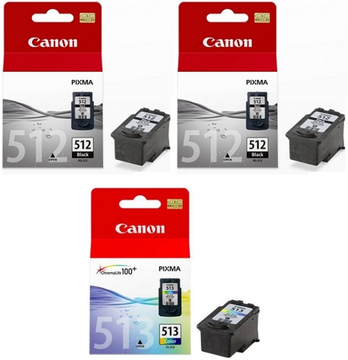
Canon PG-512 / CL-513 High Capacity 2 x Black & 1 x Tri-Colour Ink Cartridge Multipack
- Contains 2969B001AA (x 2), 2971B001AA
- Lowest online price guarantee
Pack of 3 cartridges 3 pack |
5.2p per page
(3 pack)
- 401
- 401
- 349
- Contains 2969B001AA (x 2), 2971B001AA
- Lowest online price guarantee
- Contains 2969B001AA (x 2), 2971B001AA
- Lowest online price guarantee
FREE next-day delivery
- Buy more, save money
- 2 £68.64 inc VAT
- 3+ £67.67 inc VAT
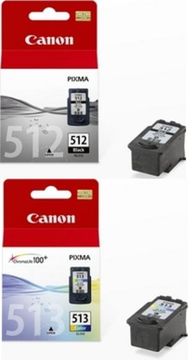
Canon PG-512 / CL-513 High Capacity Black & Tri-Colour Ink Cartridge Multipack
- Contains 2969B001AA, 2971B001AA
- Lowest online price guarantee
Pack of 2 cartridges 2 pack |
5.6p per page
(2 pack)
- 401
- 349
- Contains 2969B001AA, 2971B001AA
- Lowest online price guarantee
- Contains 2969B001AA, 2971B001AA
- Lowest online price guarantee
FREE next-day delivery
- Buy more, save money
- 2 £47.89 inc VAT
- 3+ £46.99 inc VAT
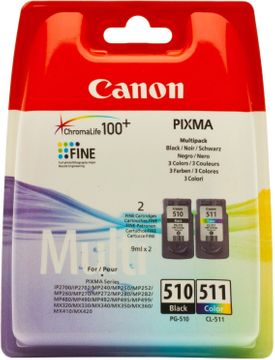
Canon PG-510 / CL-511 Black & Tri-Colour Ink Cartridge Multipack (2970B010)
- Contains 2970B001AA, 2972B001AA
- Lowest online price guarantee
Pack of 2 cartridges 2 pack |
6.4p per page
(2 pack)
- 220
- 244
- Contains 2970B001AA, 2972B001AA
- Lowest online price guarantee
- Contains 2970B001AA, 2972B001AA
- Lowest online price guarantee
FREE next-day delivery
- Buy more, save money
- 2 £33.68 inc VAT
- 3+ £32.89 inc VAT
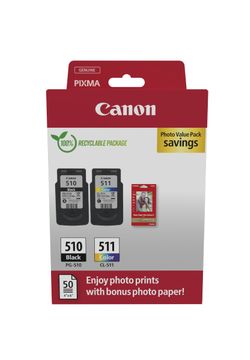
Canon PG-510/CL-511 Black & Colour Ink Cartridge & Photo Paper Multipack (2970B017)
- Contains PG-510 & CL-511, Photo paper (50 sheets)
- Lowest online price guarantee
Pack of 2 cartridges 2 pack |
7.9p per page
(2 pack)
- 220
- 220
- Contains PG-510 & CL-511, Photo paper (50 sheets)
- Lowest online price guarantee
- Contains PG-510 & CL-511, Photo paper (50 sheets)
- Lowest online price guarantee
FREE next-day delivery
- Buy more, save money
- 2 £39.23 inc VAT
- 3+ £38.40 inc VAT
Black ink cartridges for Canon Pixma MP280 printer:
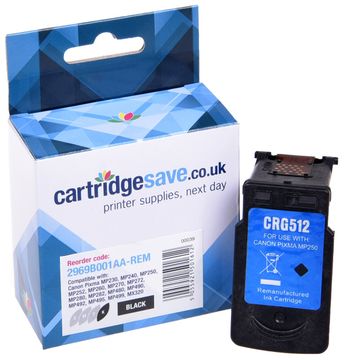
Compatible Canon PG-512 High Capacity Black Ink Cartridge - (2969B001AA)
- Made from recycled Canon cartridges
Pack of 1 cartridges 1 pack |
3.9p per page
(1 pack)
- 401
FREE next-day delivery
- Buy more, save money
- 2 £16.04 inc VAT
- 3+ £14.98 inc VAT
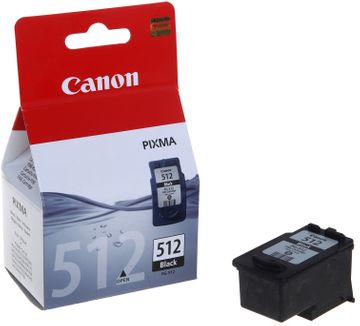
Canon PG-512 High Capacity Black Ink Cartridge - (2969B001AA)
- Lowest online price guarantee
Pack of 1 cartridges 1 pack |
5.2p per page
(1 pack)
- 401
- Lowest online price guarantee
- Lowest online price guarantee
FREE next-day delivery
- Buy more, save money
- 2 £23.08 inc VAT
- 3+ £22.31 inc VAT
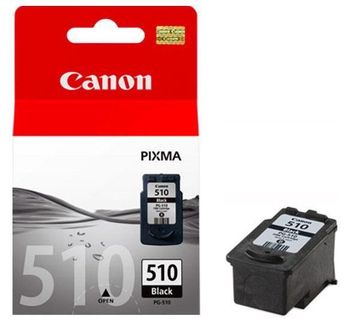
Pack of 1 cartridges 1 pack |
7.4p per page
(1 pack)
- 220
- Lowest online price guarantee
- Lowest online price guarantee
FREE next-day delivery
- Buy more, save money
- 2 £17.69 inc VAT
- 3+ £16.93 inc VAT
Colour ink cartridges for Canon Pixma MP280 printer:
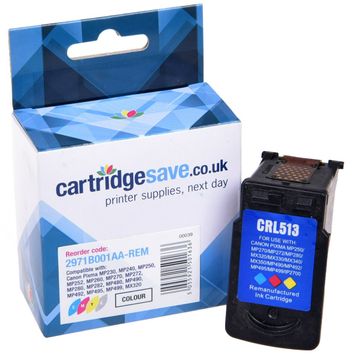
Compatible Canon CL-513 High Capacity Tri-Colour Ink Cartridge - (2971B001AA)
- Made from recycled Canon cartridges
Pack of 1 cartridges 1 pack |
4.4p per page
(1 pack)
- 349
FREE next-day delivery
- Buy more, save money
- 2 £16.04 inc VAT
- 3+ £14.98 inc VAT
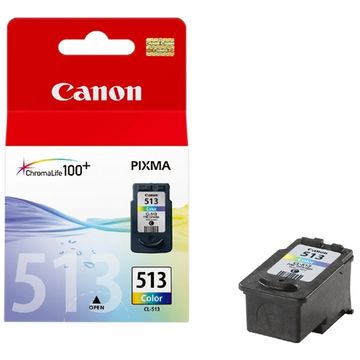
Canon CL-513 High Capacity Tri-Colour Ink Cartridge - (2971B001AA)
- Lowest online price guarantee
Pack of 1 cartridges 1 pack |
6.9p per page
(1 pack)
- 349
- Lowest online price guarantee
- Lowest online price guarantee
FREE next-day delivery
- Buy more, save money
- 2 £27.04 inc VAT
- 3+ £26.26 inc VAT
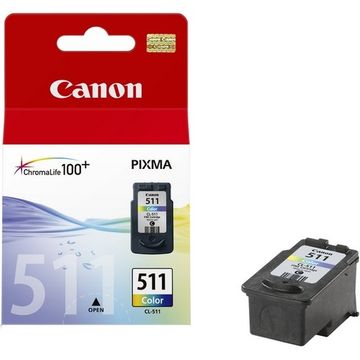
Pack of 1 cartridges 1 pack |
8.3p per page
(1 pack)
- 244
- Lowest online price guarantee
- Lowest online price guarantee
FREE next-day delivery
- Buy more, save money
- 2 £22.10 inc VAT
- 3+ £21.31 inc VAT
Shopping for MP-280 cartridges takes merely 1 or 2 minutes, that's nothing in comparison to the mission of getting in touch with along with checking out every shop there is in town for your supplies. You don't need to waste your spare time. We've already finished all of the hard work so you can buy all the ink cartridges that will be compatible for the MP 280 inkjet printer -- so all you have to do is to select a cartridge. Spend less of your cash as well as time when you buy your ink supplies from Cartridge Save!
Free Next Day Delivery On Every Canon MP280 Inkjet Cartridge
Purchase any model of genuine or compatible Canon cartridges over the web through Cartridge Save and you will get the provision of free next day delivery on everything. To show extra evidence that we'll only supply high quality cartridges, every one of them includes a 12 month cash-back guarantee - if you experience complications send the ink cartridge back to our store for your cash back as quickly as possible.
What ink does the Canon Pixma MP280 use?
The Canon Pixma MP280 uses Canon 2969B001AA ink cartridges. Canon 2969B001AA ink comes in black; the black cartridge prints 401 pages.
Canon Pixma MP280 Printer Review
Expert review of the Canon Pixma MP280 printer
This inexpensive all-in-one printer packs powerful features in one compact and stylish body and is designed for small offices and homes. It makes photo printing easier for the amateur photographer. However, the Canon Pixma MP280 lacks wireless networking and a document feeder. Users also complain that the control panel is overwhelming, and that replacement inks are pricey.
Design
The Pixma MP280 is sleek and compact device at 6 inches tall and almost 18 inches wide, so it does not take up too much space. It is quite lightweight and mobile, with a sturdy construction. The Canon Pixma MP280 can be noisy when in 'fast' mode. The control panel is readily accessible on top of the machine, but it lacks an LCD screen. Connectivity options are limited to wired USB. The scanner promises vivid images with a resolution of 2400 pixels per inch.
Advantages
It is an inexpensive multifunction printer that can scan and copy, too. The print quality is solid especially for graphics and text. It is capable of HD Photo printing as well as fast borderless printing (a 4x6-inch borderless print on photo paper is finished in just 43 seconds). Using the Hybrid Ink System, the Canon Pixma MP280 delivers crisp text and vivid photos.
Disadvantages
The Canon Pixma MP280's 'quiet mode' doesn't seem to work. Noise level is still high, even when printing drafts. At 4.8 ppm in colour and 8.4 ppm in monochrome, it is slower than similar printers from other brands. Inks for the Canon Pixma MP280 are not budget-friendly. Some users report being confused with the control panel, too. Connectivity is limited to a USB cord, and there are no built-in card readers or wireless capabilities, making it time-consuming to print documents and photos from mobile devices.