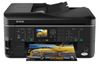
Epson Stylus SX620FW Ink Cartridges
The following 22 products are guaranteed to work in your Epson Stylus SX620FW printer:
22 products are guaranteed to work in your printer:
Switch & Save
Save up to 50% with Cartridge Save own-brand
Guaranteed to be like-for-like alternatives to the originals. Learn more
Sets of ink cartridges for Epson Stylus SX620FW printer:
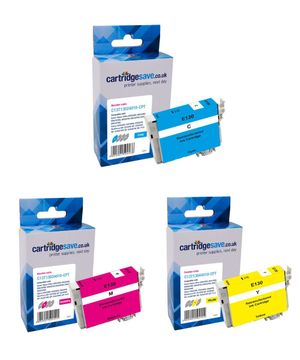
Compatible Epson T1306 Extra High Capacity 3 Colour Ink Cartridge Multipack


- Contains T1302, T1303, T1304
- Premium brand ink cartridges
Pack of 3 cartridges 3 pack |
0.9p per page
(3 pack)
- 765
- 600
- 1,005
- Contains T1302, T1303, T1304
- Contains T1302, T1303, T1304
FREE next-day delivery
- Buy more, save money
- 2 £24.01 inc VAT
- 3+ £22.73 inc VAT
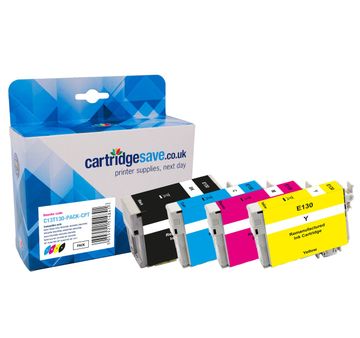
Compatible Epson T130 Extra High Capacity 4 Colour Ink Cartridge Multipack - (T1301 & T1306 Stag)
- Contains T1301, T1302, T1303, T1304
- Premium brand ink cartridges
Pack of 4 cartridges 4 pack |
1.0p per page
(4 pack)
- 945
- 765
- 600
- 1,005
- Contains T1301, T1302, T1303, T1304
- Contains T1301, T1302, T1303, T1304
FREE next-day delivery
- Buy more, save money
- 2 £36.26 inc VAT
- 3+ £34.66 inc VAT
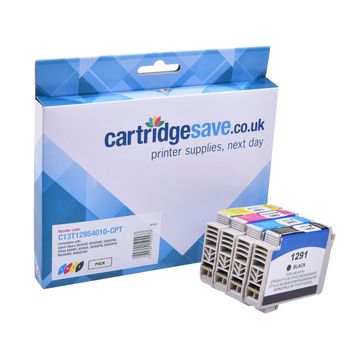
Compatible Epson T1295 High Capacity 4 Colour Ink Cartridge Multipack - (Apple)
- Contains T1291, T1292, T1293, T1294
- Premium brand ink cartridges
Pack of 4 cartridges 4 pack |
1.6p per page
(4 pack)
- 380
- 445
- 330
- 545
- Contains T1291, T1292, T1293, T1294
- Contains T1291, T1292, T1293, T1294
FREE next-day delivery
- Buy more, save money
- 2 £28.72 inc VAT
- 3+ £27.31 inc VAT
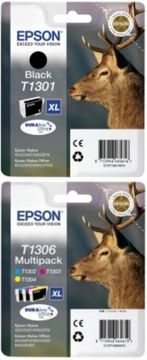
Epson T130 Extra High Capacity 4 Colour Ink Cartridge Multipack - (T1301 & T1306 Stag)
- Contains T1301, T1302, T1303, T1304
- Lowest online price guarantee
Pack of 4 cartridges 4 pack |
1.8p per page
(4 pack)
- 945
- 765
- 600
- 1,005
- Contains T1301, T1302, T1303, T1304
- Lowest online price guarantee
- Contains T1301, T1302, T1303, T1304
- Lowest online price guarantee
FREE next-day delivery
- Buy more, save money
- 2 £69.98 inc VAT
- 3+ £69.04 inc VAT
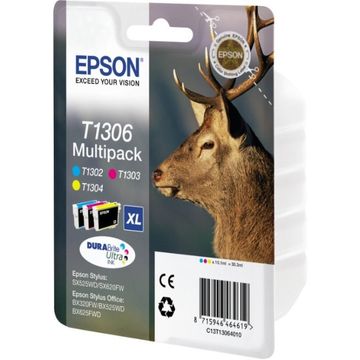
Epson T1306 Extra High Capacity 3 Colour Ink Cartridge Multipack - (Stag)
- Contains T1302, T1303, T1304
- Lowest online price guarantee
Pack of 3 cartridges 3 pack |
1.8p per page
(3 pack)
- 765
- 600
- 1,005
- Contains T1302, T1303, T1304
- Lowest online price guarantee
- Contains T1302, T1303, T1304
- Lowest online price guarantee
FREE next-day delivery
- Buy more, save money
- 2 £48.01 inc VAT
- 3+ £47.20 inc VAT
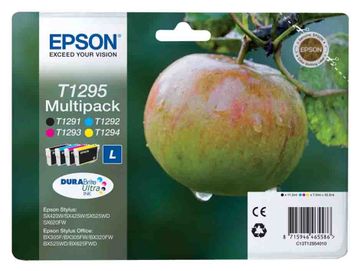
Epson T1295 High Capacity 4 Colour Ink Cartridge Multipack - (Apple)
- Contains T1291, T1292, T1293, T1294
- Lowest online price guarantee
Pack of 4 cartridges 4 pack |
2.8p per page
(4 pack)
- 380
- 445
- 330
- 545
- Contains T1291, T1292, T1293, T1294
- Lowest online price guarantee
- Contains T1291, T1292, T1293, T1294
- Lowest online price guarantee
FREE next-day delivery
- Buy more, save money
- 2 £55.98 inc VAT
- 3+ £55.15 inc VAT
Black ink cartridges for Epson Stylus SX620FW printer:
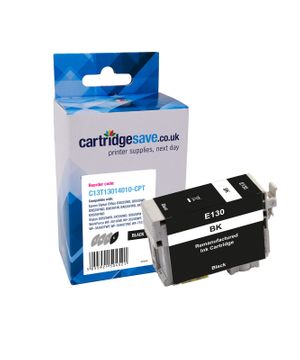
Compatible Epson T1301 Extra High Capacity Black Printer Cartridge - (T1301 Stag)
- Premium brand ink cartridge
Pack of 1 cartridges 1 pack |
1.2p per page
(1 pack)
- 945
FREE next-day delivery
- Buy more, save money
- 2 £12.11 inc VAT
- 3+ £11.46 inc VAT
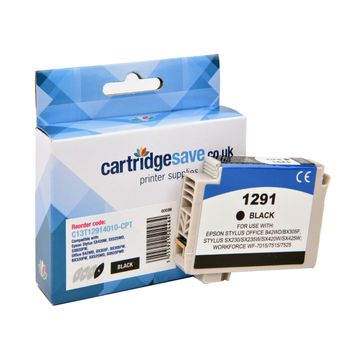
Compatible Epson T1291 High Capacity Black Printer Cartridge - (T1291 Apple)
- Premium brand ink cartridge
Pack of 1 cartridges 1 pack |
2.0p per page
(1 pack)
- 380
FREE next-day delivery
- Buy more, save money
- 2 £7.90 inc VAT
- 3+ £7.36 inc VAT
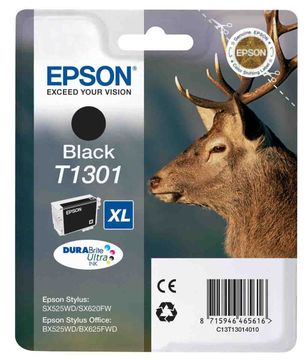
Epson T1301 Extra High Capacity Black Ink Cartridge - (Stag)
- Lowest online price guarantee
Pack of 1 cartridges 1 pack |
2.1p per page
(1 pack)
- 945
- Lowest online price guarantee
- Lowest online price guarantee
FREE next-day delivery
- Buy more, save money
- 2 £23.46 inc VAT
- 3+ £23.03 inc VAT
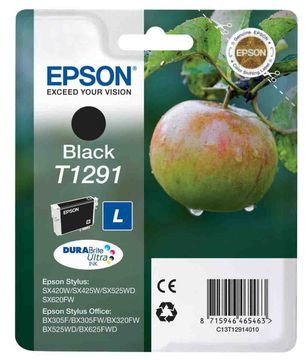
Epson T1291 High Capacity Black Ink Cartridge - (T1291 Apple DURABrite Ultra)
- Lowest online price guarantee
Pack of 1 cartridges 1 pack |
3.6p per page
(1 pack)
- 380
- Lowest online price guarantee
- Lowest online price guarantee
FREE next-day delivery
- Buy more, save money
- 2 £15.43 inc VAT
- 3+ £15.01 inc VAT
Cyan ink cartridges for Epson Stylus SX620FW printer:
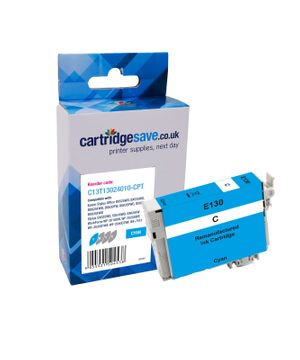
Compatible Epson T1302 Extra High Capacity Cyan Printer Cartridge - (Stag)
- Premium brand ink cartridge
Pack of 1 cartridges 1 pack |
1.1p per page
(1 pack)
- 765
FREE next-day delivery
- Buy more, save money
- 2 £8.65 inc VAT
- 3+ £8.09 inc VAT
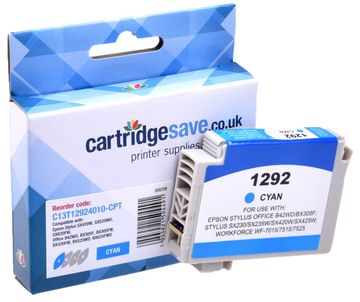
Compatible Epson T1292 High Capacity Cyan Printer Cartridge - (Apple)
- Premium brand ink cartridge
Pack of 1 cartridges 1 pack |
1.7p per page
(1 pack)
- 445
FREE next-day delivery
- Buy more, save money
- 2 £7.90 inc VAT
- 3+ £7.36 inc VAT
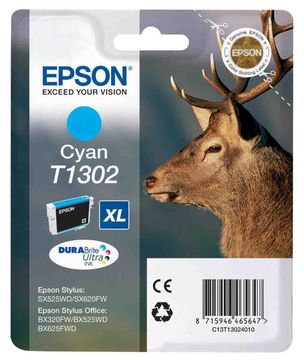
Epson T1302 Extra High Capacity Cyan Ink Cartridge - (Stag)
- Lowest online price guarantee
Pack of 1 cartridges 1 pack |
2.0p per page
(1 pack)
- 765
- Lowest online price guarantee
- Lowest online price guarantee
FREE next-day delivery
- Buy more, save money
- 2 £17.17 inc VAT
- 3+ £16.75 inc VAT
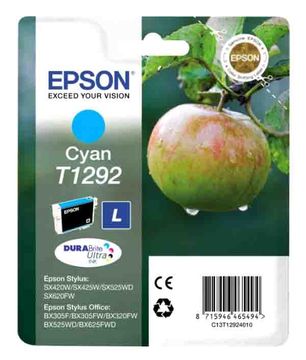
Epson T1292 High Capacity Cyan Ink Cartridge - C13T12924010 Apple
- Lowest online price guarantee
Pack of 1 cartridges 1 pack |
3.1p per page
(1 pack)
- 445
- Lowest online price guarantee
- Lowest online price guarantee
FREE next-day delivery
- Buy more, save money
- 2 £15.76 inc VAT
- 3+ £15.34 inc VAT
Magenta ink cartridges for Epson Stylus SX620FW printer:
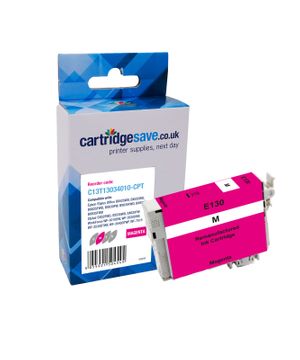
Compatible Epson T1303 Extra High Capacity Magenta Printer Cartridge - (Stag)
- Premium brand ink cartridge
Pack of 1 cartridges 1 pack |
1.4p per page
(1 pack)
- 600
FREE next-day delivery
- Buy more, save money
- 2 £8.80 inc VAT
- 3+ £8.23 inc VAT
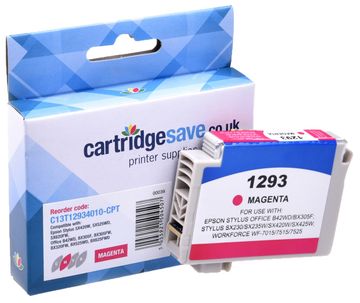
Compatible Epson T1293 High Capacity Magenta Printer Cartridge - (T1293 Apple)
- Premium brand ink cartridge
Pack of 1 cartridges 1 pack |
2.3p per page
(1 pack)
- 330
FREE next-day delivery
- Buy more, save money
- 2 £8.06 inc VAT
- 3+ £7.52 inc VAT
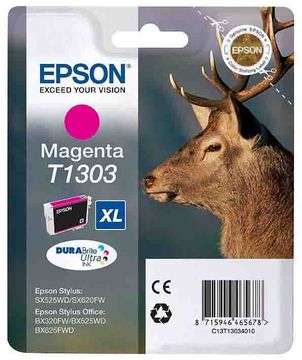
Epson T1303 Extra High Capacity Magenta Ink Cartridge - (Stag)
- Lowest online price guarantee
Pack of 1 cartridges 1 pack |
2.5p per page
(1 pack)
- 600
- Lowest online price guarantee
- Lowest online price guarantee
FREE next-day delivery
- Buy more, save money
- 2 £17.17 inc VAT
- 3+ £16.75 inc VAT
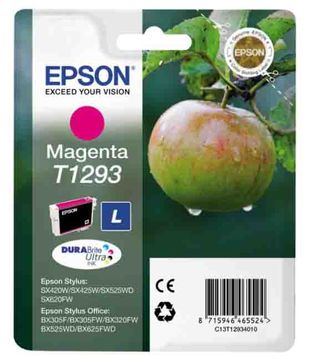
Epson T1293 High Capacity Magenta Ink Cartridge - (T1293 Apple)
- Lowest online price guarantee
Pack of 1 cartridges 1 pack |
4.1p per page
(1 pack)
- 330
- Lowest online price guarantee
- Lowest online price guarantee
FREE next-day delivery
- Buy more, save money
- 2 £15.48 inc VAT
- 3+ £15.06 inc VAT
Yellow ink cartridges for Epson Stylus SX620FW printer:
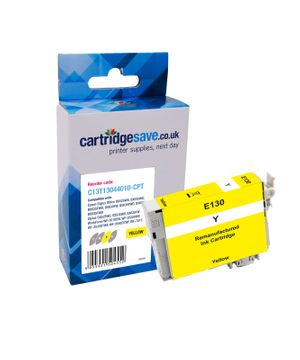
Compatible Epson T1304 Extra High Capacity Yellow Printer Cartridge - (T1304 Stag)
- Premium brand ink cartridge
Pack of 1 cartridges 1 pack |
0.8p per page
(1 pack)
- 1,005
FREE next-day delivery
- Buy more, save money
- 2 £8.65 inc VAT
- 3+ £8.09 inc VAT
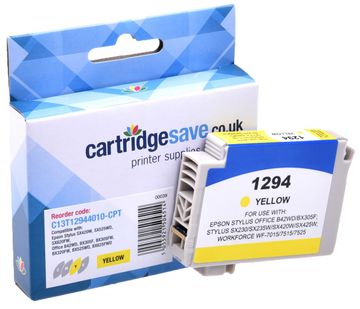
Compatible Epson T1294 High Capacity Yellow Printer Cartridge - (Apple)
- Premium brand ink cartridge
Pack of 1 cartridges 1 pack |
1.4p per page
(1 pack)
- 545
FREE next-day delivery
- Buy more, save money
- 2 £7.91 inc VAT
- 3+ £7.37 inc VAT
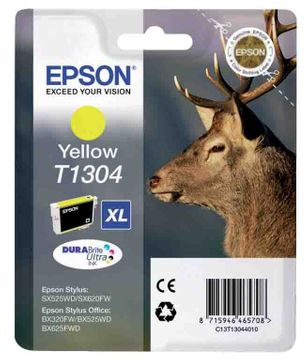
Epson T1304 Extra High Capacity Yellow Ink Cartridge - (Stag)
- Lowest online price guarantee
Pack of 1 cartridges 1 pack |
1.5p per page
(1 pack)
- 1,005
- Lowest online price guarantee
- Lowest online price guarantee
FREE next-day delivery
- Buy more, save money
- 2 £16.88 inc VAT
- 3+ £16.48 inc VAT
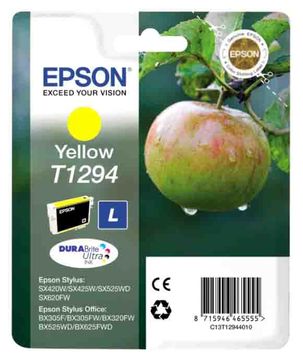
Pack of 1 cartridges 1 pack |
2.5p per page
(1 pack)
- 545
- Lowest online price guarantee
- Lowest online price guarantee
FREE next-day delivery
- Buy more, save money
- 2 £15.48 inc VAT
- 3+ £15.06 inc VAT
To find the very best prices on Epson SX620FW print cartridges, then check out Cartridge Save. We've a whole selection of SX-620FW cartridges in stock, which means you won't need to throw away your free time going around local businesses looking for the discounts like we offer. To get the leading selection coupled with the most reasonable prices in the industry, place your order for cartridges today from Cartridge Save.
Free Overnight Delivery On All Epson SX620FW Ink Cartridges
Take into account, when you make a decision to purchase your Epson ink from our website you will additionally have 100% free next day delivery as standard. Apart from that, everything at our shop is covered by our thirty-day cash back policy along with a no worries product returns scheme. In the event that you aren't totally happy using your SX620FW printer inks, we will not be either. Spend less money, buy today!
What ink does the Epson Stylus SX620FW use?
The Epson Stylus SX620FW uses Epson C13T12914010 ink cartridges. Epson C13T12914010 ink comes in black; the black cartridge prints 380 pages.
Epson Stylus SX620FW Printer Review
Expert review of the Epson Stylus SX620FW printer
If you are looking for a 4-in-one that can print, scan, copy, fax, and do it all wirelessly, then the Epson Stylus SX620FW is a great choice. It even boasts an ADF system that helps you save time when dealing with multiple-page documents. Equipped with a 6.3cm LCD for selecting and printing photos directly from flash disk, memory cards, and PictBridge supported devices, the Epson Stylus SX620FW has fast print speeds and superb scanning resolution. Running costs can be quite high (as with most inkjets), and there have been reports of faulty print heads and ADF systems.
Design
This black box is very professional looking, and at 446x360x221mm, the Epson Stylus SX620FW is compact enough to be a home or small office multifunction. The controls that line the front panel can be overwhelmingly complicated to look at, but are really easy to fiddle with once you get the hang of things. The LCD screen allows convenient viewing of photos to be printed, as well as easy access to the menus. To the bottom left are the memory card slots and the PictBridge port. The Epson Stylus SX620FW has USB interface, Ethernet, and Wireless LAN as standard.
Advantages
Multi-functionality is the main selling point of the Epson Stylus SX620FW. It has quick print speeds of up to 38 ppm (draft mode text) and photo quality is above average. Wireless integration is very useful in a multi-computer for home or office settings, leaving no need for messy wires. Maximum scanning resolution is 2400dpi, so you can expect detailed reproductions.
Disadvantages
Some users report that print heads of the Epson Stylus SX620FW become faulty after several months of use. The auto duplex printing can also bug down after some time. Running costs are pretty high, no thanks to expensive ink cartridges.