- Ink Cartridges
- Epson Ink Cartridges
- WorkForce Pro WF-3720 Ink Cartridges
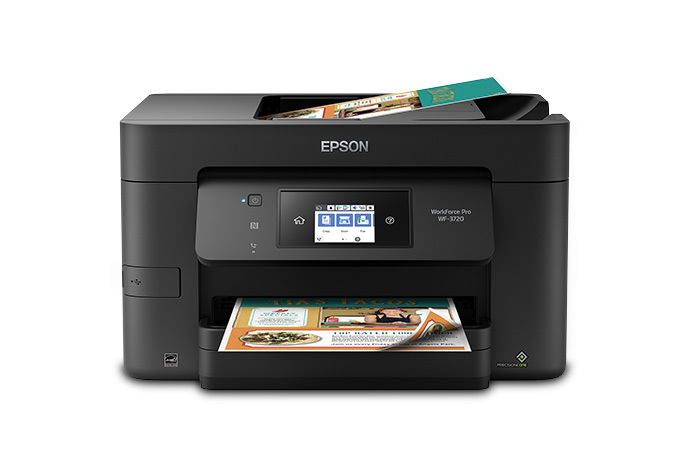
Epson WorkForce Pro WF-3720 Ink Cartridges
The following16 products are guaranteed to work in your Epson WorkForce Pro WF-3720 printer:
16 products
Sets of ink cartridges for Epson WorkForce Pro WF-3720 printer:
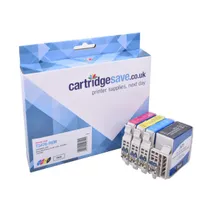
- 1x1100pages
- 1x950pages
- 1x950pages
- 1x950pages
FREE next-day delivery when you order before 5:15pm
Save £44.34 compared to Epson
- Contains
T3471, T3472, T3473, T3474
FREE next-day delivery when you order before 5:15pm
Save £44.34 compared to Epson
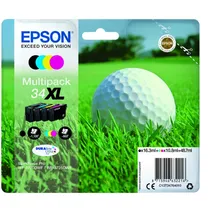
- 1x1100pages
- 1x950pages
- 1x950pages
- 1x950pages
FREE next-day delivery when you order before 5:15pm
- Contains
T3471, T3472, T3473, T3474
- Lowest online price guarantee
FREE next-day delivery when you order before 5:15pm
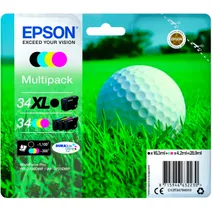
- 1x1100pages
- 1x300pages
- 1x300pages
- 1x300pages
FREE next-day delivery when you order before 5:15pm
- Contains
T3471, T3462, T3463, T3464
- Lowest online price guarantee
FREE next-day delivery when you order before 5:15pm
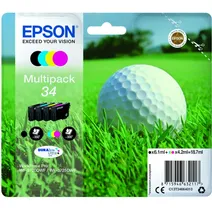
- 1x350pages
- 1x300pages
- 1x300pages
- 1x300pages
FREE next-day delivery when you order before 5:15pm
- Contains
T3461, T3462, T3463, T3464
- Lowest online price guarantee
FREE next-day delivery when you order before 5:15pm
Black ink cartridges for Epson WorkForce Pro WF-3720 printer:
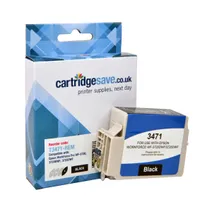
- 1x1100pages
Next-day delivery when you order before 5:15pm
Save £18.25 compared to Epson
Next-day delivery when you order before 5:15pm
Save £18.25 compared to Epson
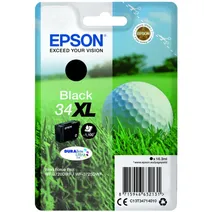
- 1x1100pages
FREE next-day delivery when you order before 5:15pm
- Lowest online price guarantee
FREE next-day delivery when you order before 5:15pm
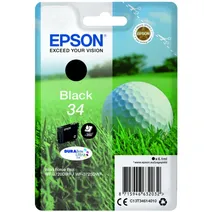
- 1x350pages
Next-day delivery when you order before 5:15pm
- Lowest online price guarantee
Next-day delivery when you order before 5:15pm
Cyan ink cartridges for Epson WorkForce Pro WF-3720 printer:
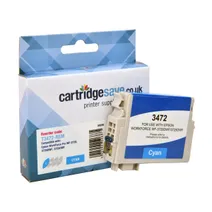
- 1x950pages
Next-day delivery when you order before 5:15pm
Save £9.96 compared to Epson
Next-day delivery when you order before 5:15pm
Save £9.96 compared to Epson
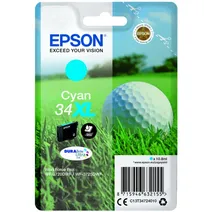
- 1x950pages
Next-day delivery when you order before 5:15pm
- Lowest online price guarantee
Next-day delivery when you order before 5:15pm
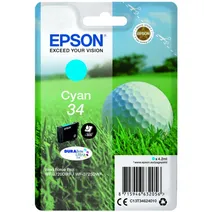
- 1x300pages
Next-day delivery when you order before 5:15pm
- Lowest online price guarantee
Next-day delivery when you order before 5:15pm
Magenta ink cartridges for Epson WorkForce Pro WF-3720 printer:
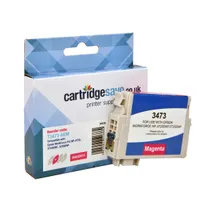
- 1x950pages
Next-day delivery when you order before 5:15pm
Save £9.85 compared to Epson
Next-day delivery when you order before 5:15pm
Save £9.85 compared to Epson
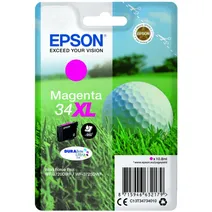
- 1x950pages
Next-day delivery when you order before 5:15pm
- Lowest online price guarantee
Next-day delivery when you order before 5:15pm
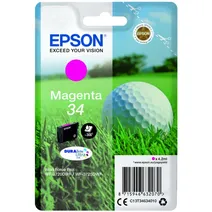
- 1x300pages
Next-day delivery when you order before 5:15pm
- Lowest online price guarantee
Next-day delivery when you order before 5:15pm
Yellow ink cartridges for Epson WorkForce Pro WF-3720 printer:
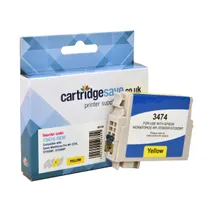
- 1x950pages
Next-day delivery when you order before 5:15pm
Save £9.96 compared to Epson
Next-day delivery when you order before 5:15pm
Save £9.96 compared to Epson
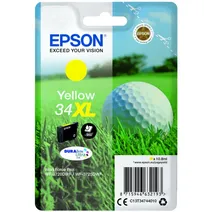
- 1x950pages
Next-day delivery when you order before 5:15pm
- Lowest online price guarantee
Next-day delivery when you order before 5:15pm
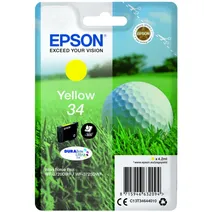
- 1x300pages
Next-day delivery when you order before 5:15pm
- Lowest online price guarantee
Next-day delivery when you order before 5:15pm
What ink does the Epson WorkForce Pro WF-3720 use?
The Epson WorkForce Pro WF-3720 uses Epson 34 ink cartridges. Epson 34 ink comes in black; the black cartridge prints 350 pages.
Epson WorkForce Pro WF-3720 Printer Review
Expert review of the Epson WorkForce Pro WF-3720 printer
'%20/%3e%3cpath%20d='M%205.454545454545455,0.6060606060606061,1.8181818181818181,12.000000000000002,10.90909090909091,4.7272727272727275,0,4.7272727272727275,9.090909090909092,12.000000000000002z'%20fill='%23d8d8d8'%20transform='translate(24,0)'%20/%3e%3cpath%20d='M%205.454545454545455,0.6060606060606061,1.8181818181818181,12.000000000000002,10.90909090909091,4.7272727272727275,0,4.7272727272727275,9.090909090909092,12.000000000000002z'%20fill='%23d8d8d8'%20transform='translate(36,0)'%20/%3e%3cpath%20d='M%205.454545454545455,0.6060606060606061,1.8181818181818181,12.000000000000002,10.90909090909091,4.7272727272727275,0,4.7272727272727275,9.090909090909092,12.000000000000002z'%20fill='%23d8d8d8'%20transform='translate(48,0)'%20/%3e%3c/svg%3e)
'%20/%3e%3cpath%20d='M%205.454545454545455,0.6060606060606061,1.8181818181818181,12.000000000000002,10.90909090909091,4.7272727272727275,0,4.7272727272727275,9.090909090909092,12.000000000000002z'%20fill='%23edd400'%20transform='translate(24,0)'%20/%3e%3cpath%20d='M%205.454545454545455,0.6060606060606061,1.8181818181818181,12.000000000000002,10.90909090909091,4.7272727272727275,0,4.7272727272727275,9.090909090909092,12.000000000000002z'%20fill='%23edd400'%20transform='translate(36,0)'%20/%3e%3cpath%20d='M%205.454545454545455,0.6060606060606061,1.8181818181818181,12.000000000000002,10.90909090909091,4.7272727272727275,0,4.7272727272727275,9.090909090909092,12.000000000000002z'%20fill='%23edd400'%20transform='translate(48,0)'%20/%3e%3c/svg%3e)
The Epson WF-3720 is an affordable 4-in-1 business inkjet with Wi-Fi, Wi-Fi Direct and speedy, double-sided printing. With Epson's advanced print head technology, PrecisionCore, this model supports advanced scan-to functions, including to cloud, FTP, email and network. Epson's free mobile printing apps and solutions include email print, so you can send items to print from all over the world, giving you flexibility and adaptability for your business. Its recommended duty cycle is 200 to 800 pages per month, but it can do up to 20,000 pages if necessary. It produces 20 plain paper colour pages per minute, and 33 monochrome pages, with a printing resolution of 4800 x 2400 dpi.
Design
Sleek and stylish, its compact design incorporates a 6 cm touchscreen, a 35-page automatic document feeder and a paper tray than can take up to 250 sheets. With a weight of 8.6 kg, and width, depth and height dimensions of 425 x 378 x 249 mm, it will not take up a lot of space. Compatible operating systems include macOS 10.6.8 or later, Windows 10, Windows Vista, Windows Server 2012 (64bit) and Windows 8.1.
Advantages
The space-saving Epson WF-3720 Printer is ideal for small businesses or home offices, and is more solidly built than some competitors' models, so you don't feel anything will snap off at the slightest nudge. It's also simple to use, with scanning, copying and fax options, which makes it a great all-round option. Another advantage is that the new touchscreen responds very well to drag and tap movements while navigating the intuitive menus.
Disadvantages
Unfortunately, scanning and photo printing can be slow and the ink costs can make it a bit expensive to run. It also doesn't have a duplex ADF, so while you can automatically print both sides, you can't do the same when you copy, fax or scan.