- Ink Cartridges
- Canon Ink Cartridges


Save up to 50% with Cartridge Save own-brand Guaranteed to be like-for-like alternatives to the originals.
- With over 2 million happy customers, they are by far the best selling third-party printer cartridges in the UK.
- Full 3-year warranty
- Won't invalidate your printer warranty
REMEMBER... all third-party printer cartridges are NOT the same!
Learn more about switch and save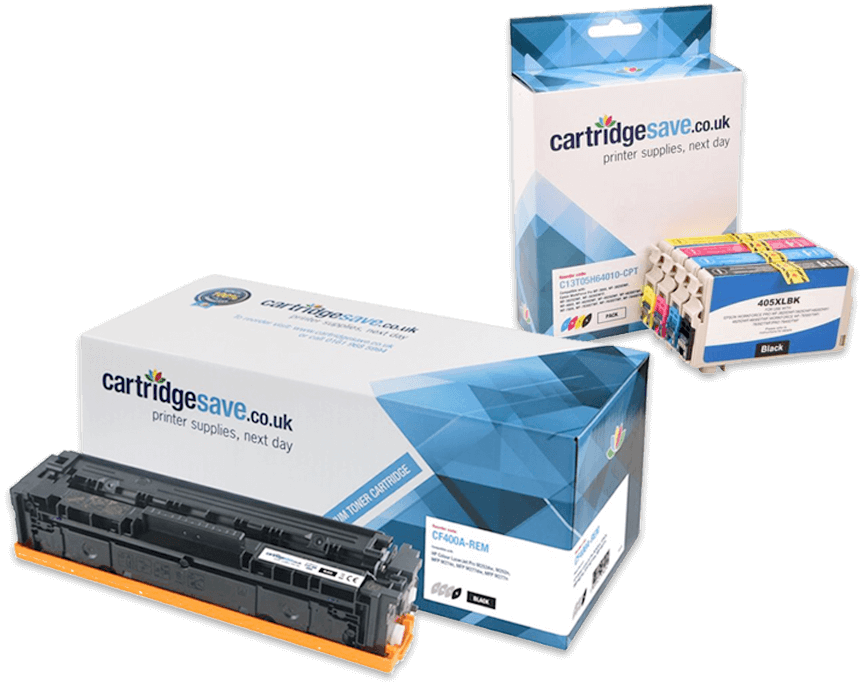
Canon started life in Japan, making cameras in the 1930s, before moving into printing. For many years it was the go-to brand for industry-standard laser printers, but nowadays it’s a popular choice for both businesses and home users. The secret behind this popularity is obvious: Canon printers successfully negotiate the sweet spot between quality printing and tight budgets, something many brands have struggled with.
Bestselling Canon ink cartridges


Complete List of Canon Ink Cartridges
What kind of ink does my Canon printer use?
Canon printers use a combination of dye and pigment based ink. Dye inks are used for colour and photo prints, and black pigment ink is used for text. Canon printers use ink and cartridges specifically designed for them.
Do all Canon Pixma printers use the same ink?
Pixma is a range of printers, many of which use different ink cartridges. Check the compatibility of the ink.
Can I just use black ink in my Canon printer?
If you are out of colour ink, try the following to continue printing using only black ink. Hold down the resume/cancel button for 10 seconds. On most Canon inkjet printers this button can be found on the right hand side, below the power button.
Are all Canon printers inkjet?
No, Canon makes both laser and inkjet printers. In fact many of HP's laser printers use technology which was developed and patented by Canon.